Navigating the Game Interface
The game interface is designed to give you quick, intuitive access to all of your post-apocalyptic operations. The Main Game Window serves as the primary screen you see when you enter the game, allowing you to access all core features instantly.
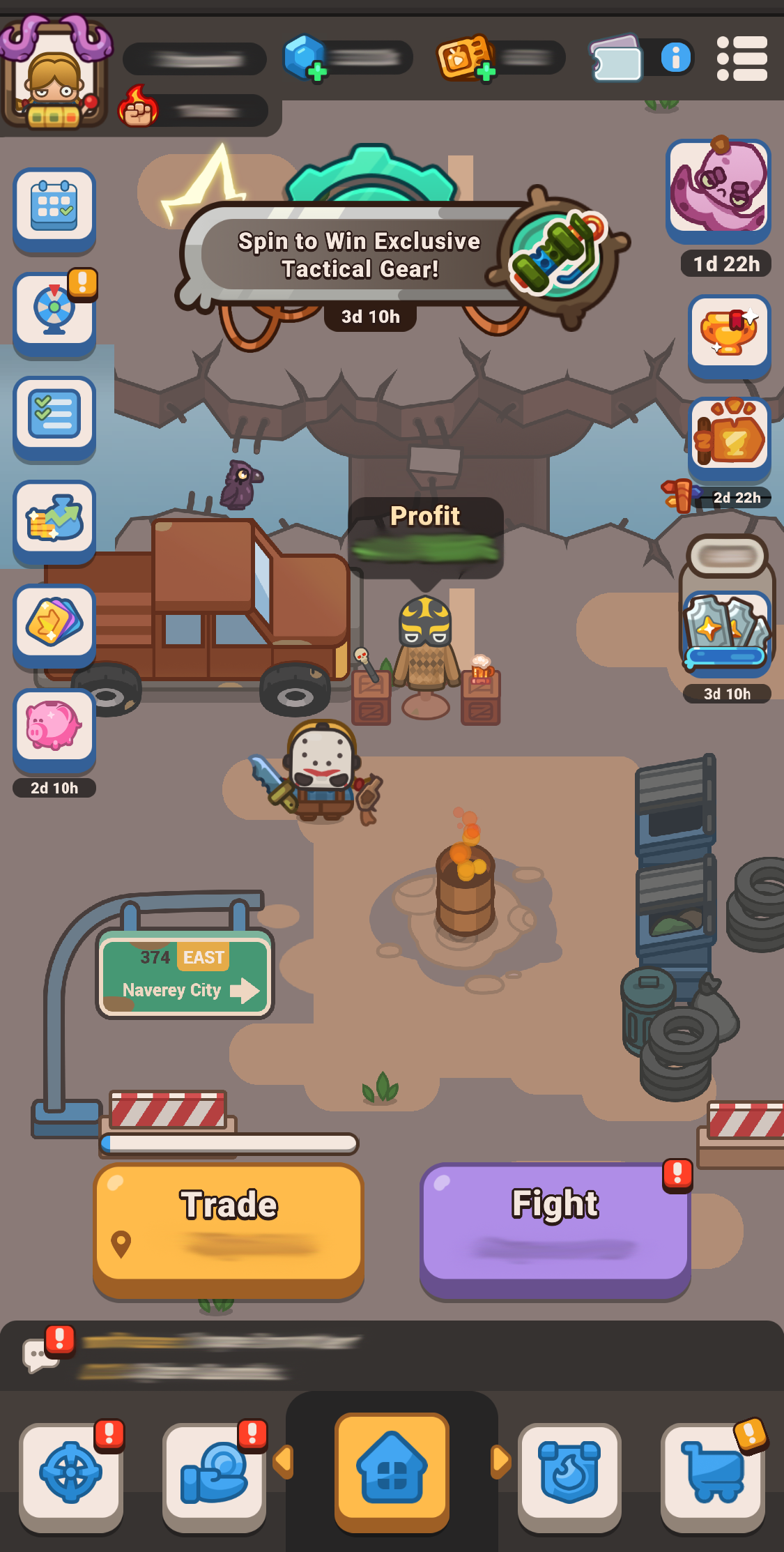
At the bottom of your window, you will find dedicated tabs to open key systems:
- Missions: View all the active battle modes.
- Profit Mode Equipment: Manage and optimize your Trade equipment.
- Clans: Open this tab to display the full Clan menu.
- Store (Shop): Access special offers, purchasable currencies, valuable bundles, and free daily rewards. Be sure to check in daily to claim your free bonuses!

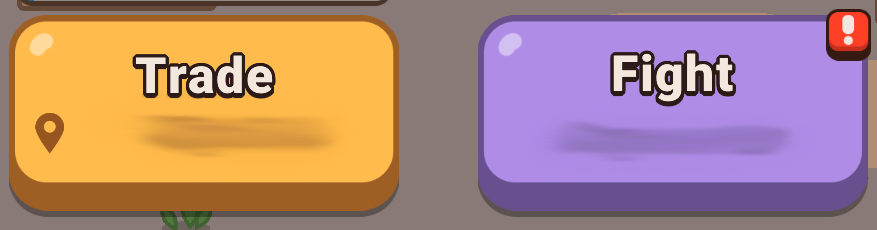
Directly above these bottom tabs sit the two most important action buttons in the game:
- The Trade button: Takes you straight to your current location window. This is the standard Idle Outpost game mode.
- The Fight button: Gives you direct access to the battle-focused game mode.
Primary Window Modes
Depending on which style of gameplay you want to tackle, the interface opens up specialized central window hubs:
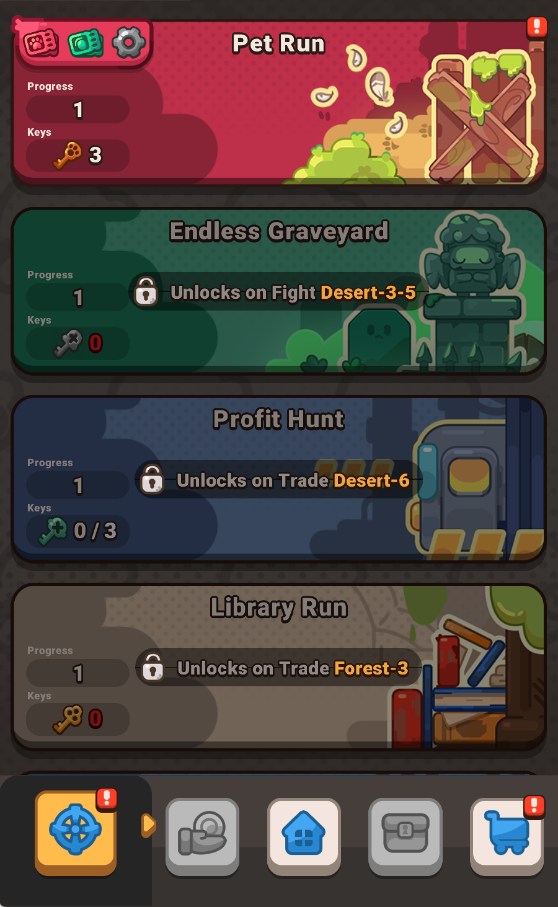
Mission Modes Window
This screen gathers all of your fighting game modes together in one convenient place. From here, you can dive into Pet Run, Endless Graveyard, Profit Hunt, Library Run and Arena. Each mode operates with its own independent mechanics and rewards to help you progress through the Fight game mode.
Profit Modes Window
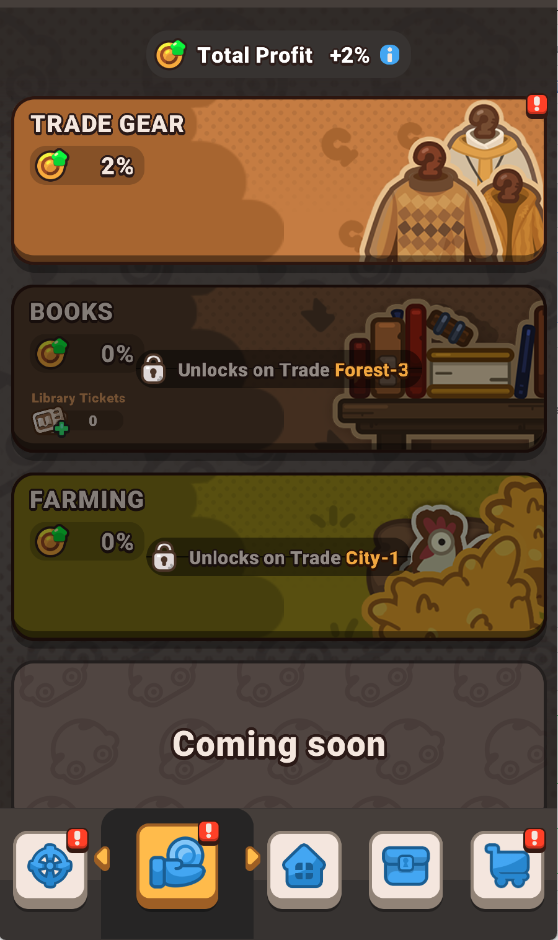
This menu houses all of your trading profit game modes together. It features your Trade gear, Books, and Farming features. These modes are centered (but not limited to) around expanding your overall Total profit rate and improving your operational efficiency inside the Trade game mode.
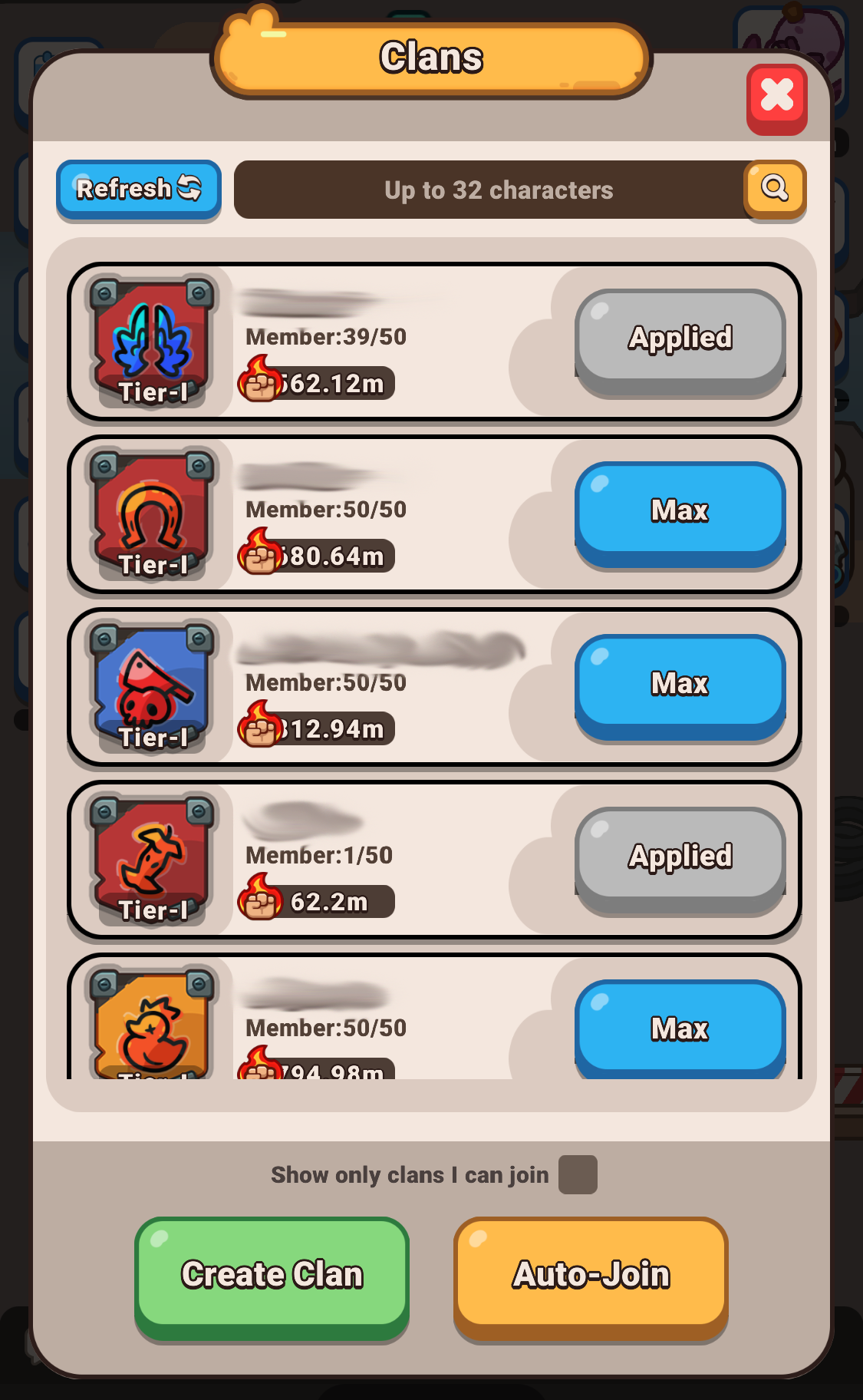
Clans
This window displays the Clan menu.
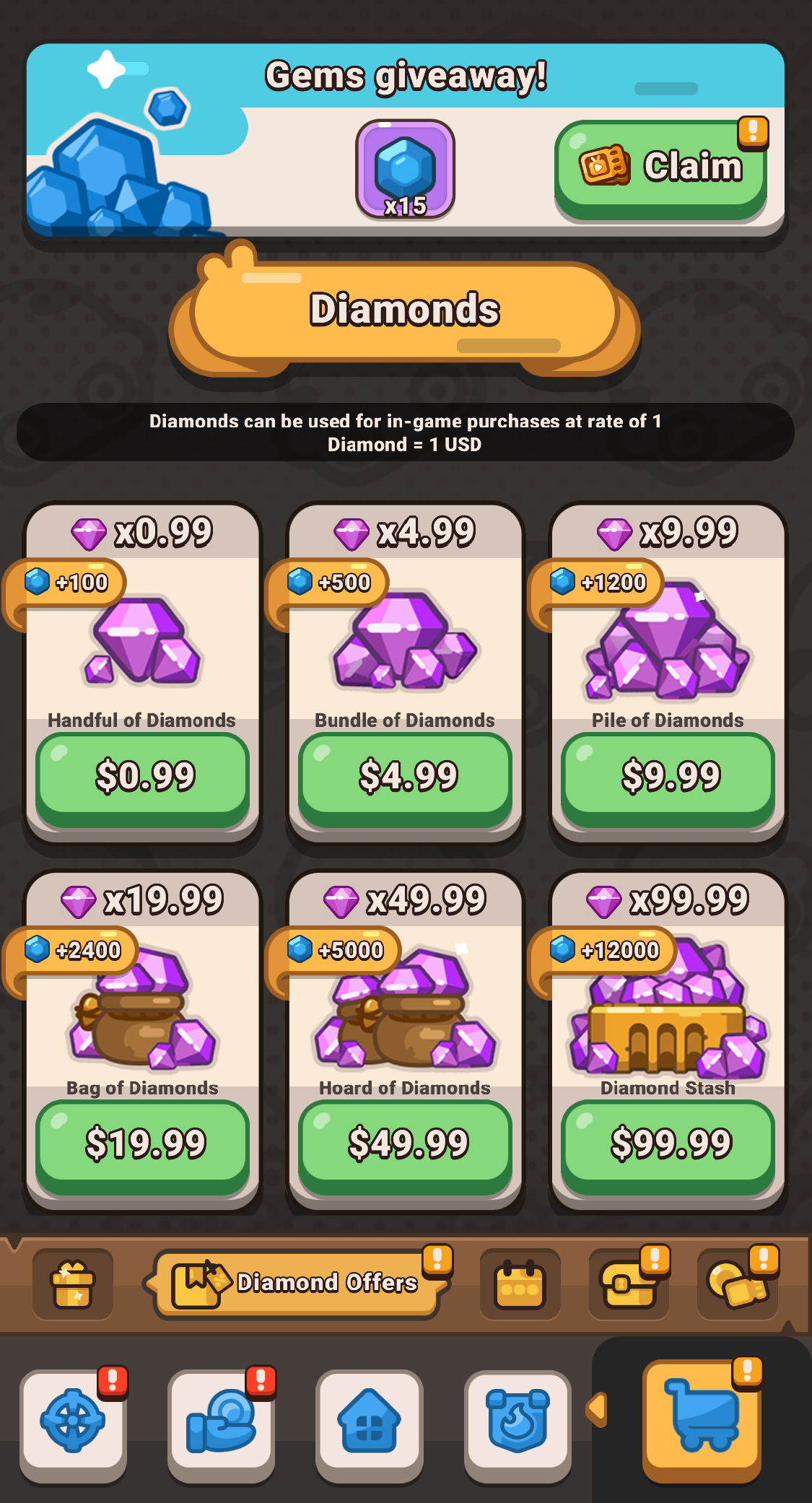
Store
Here you’ll find: special offers, purchasable currencies, valuable bundles, and free daily rewards. Be sure to check in daily to claim your free bonuses!
Interface Sidebars and Tracking Sections
The upper half of the screen splits into two distinct tracking sidebars to monitor your live progression, tasks, and regional standing:
- Upper Left Section (Tasks): This displays your ongoing Daily streak rewards, daily and weekly Tasks, your premium Funds, the Harbor Pass tracker, the Wheel of Fortune, and active Trading Cards offers.

- Upper Right Section (Competitions): This corner keeps you connected to competitive systems, displaying the leaderboards, live limited-time events (LTE), and fast-paced rush events.