Main Game Window
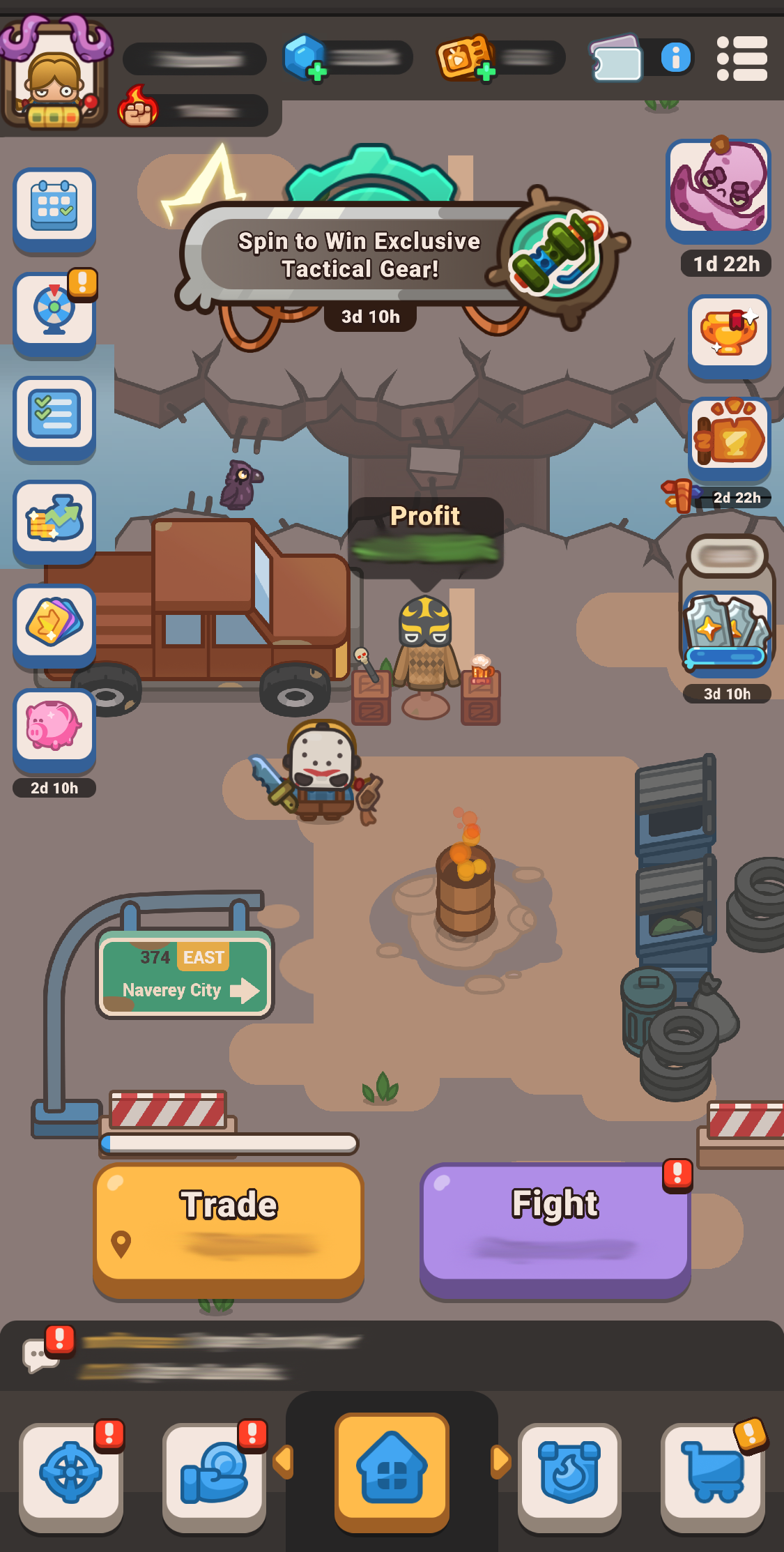
This is the primary screen you see when you enter the game. From here, you can access all the main features of the game.
At the bottom of the window, you will find tabs for the Missions, Trade Equipment, Clans, and the Shop.

Above them, you can see the two most important buttons - “Trade” and “Fight”
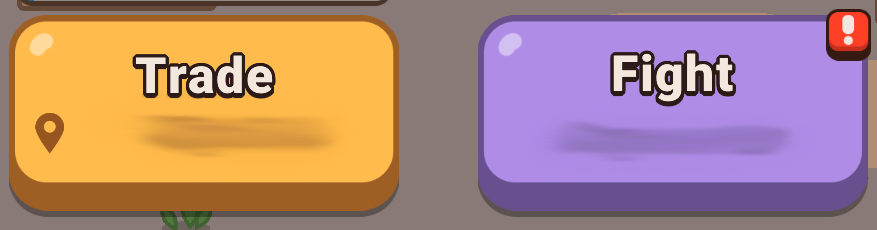
- The Trade button will take you to your current location window — this is the standard Idle Outpost game mode, where you start your journey.
- The Fight button gives you access to the battle-focused game mode. You can find detailed information about it in the respective article.
In the upper left part of the main window, you will find a Tasks section. It displays Daily streak rewards, daily and weekly Tasks, Funds and Harbor Pass, Wheel of Fortune, and Trading Cards offers.

In the upper right part of the main window, you will find a section with the Trade and Fight leaderboards, limited-time events and rush events.

Mission Modes Window
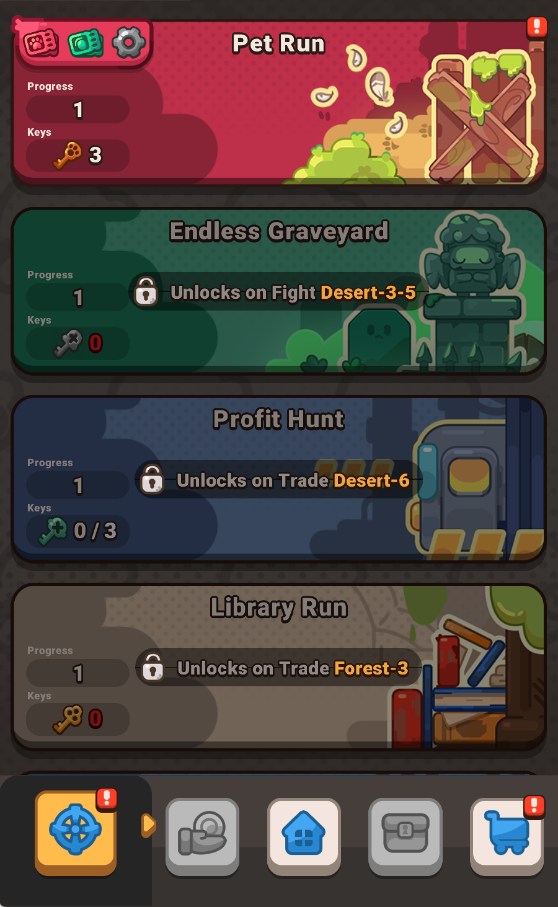
Has all the fighting game modes in one place: Pet Run, Endless Graveyard, Profit Hunt, Library Run and Arena. Each mode has its own mechanics and rewards to help you progress in the Fight game mode.
You can read about them more in their respective articles.
Profit Modes Window
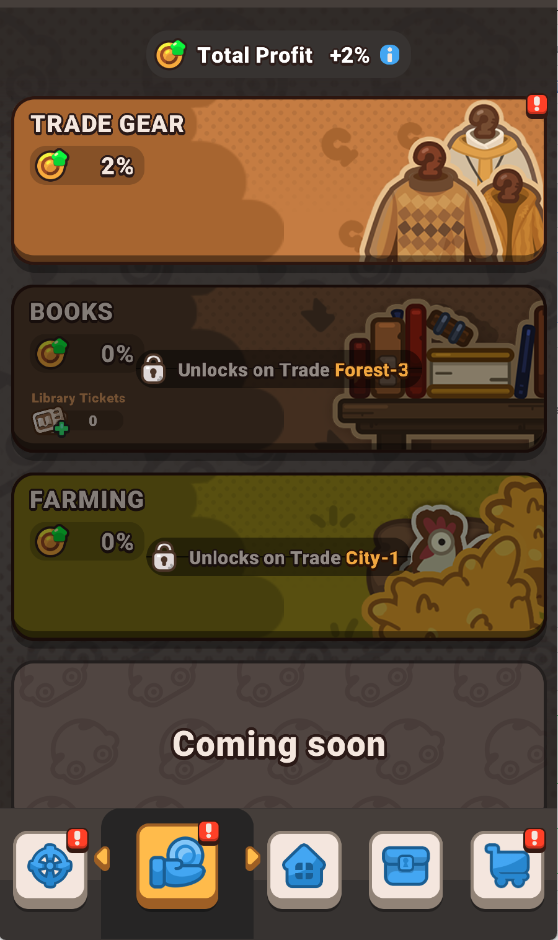
Has all the trading profit game modes in one place: Trade gear, Books, and Farming. These modes are centered around growing your Total profit rate and improving its efficiency in the Trade game mode.
You can read about them more in their respective articles.
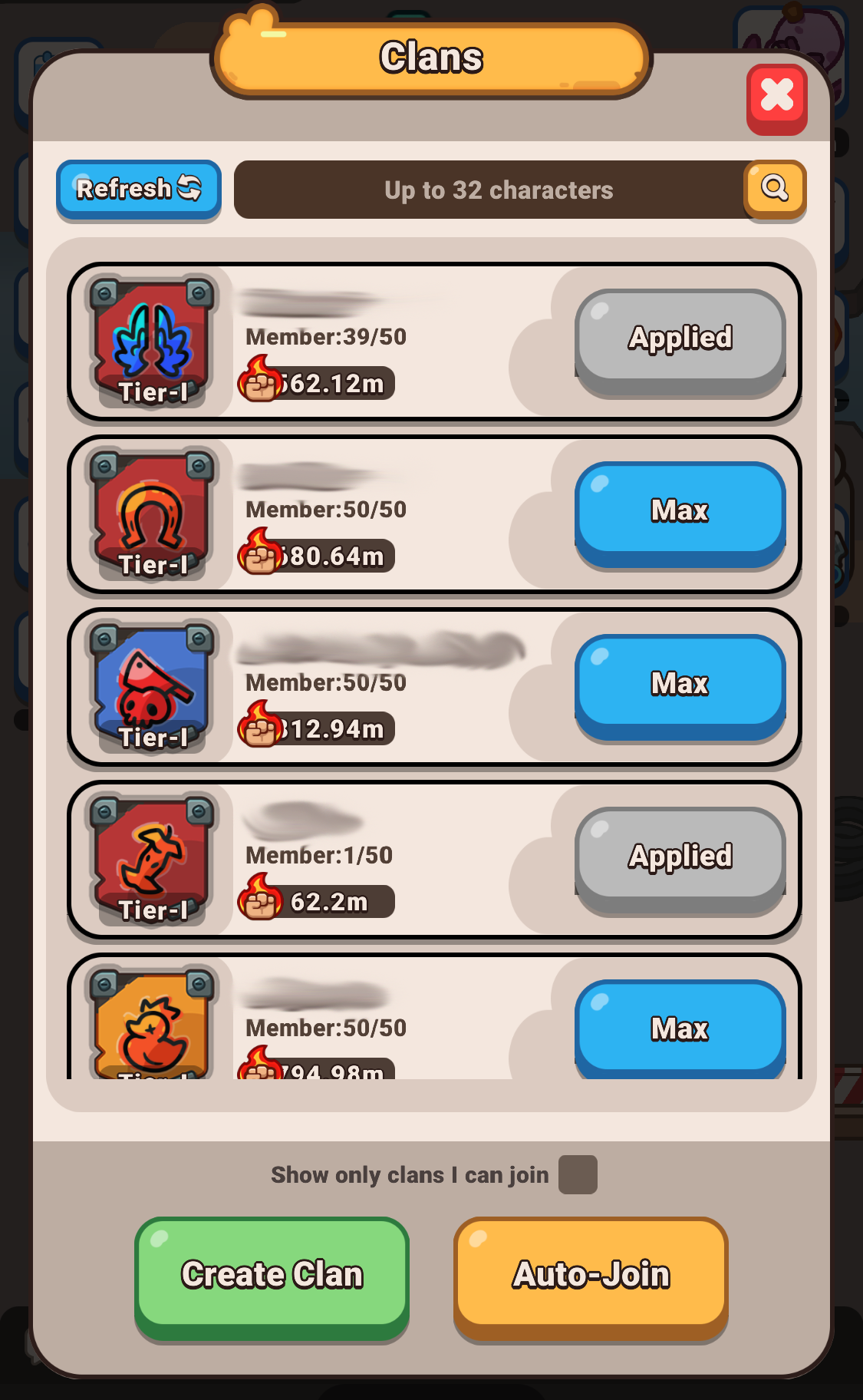
Clans
This window displays the Clan menu.
Store
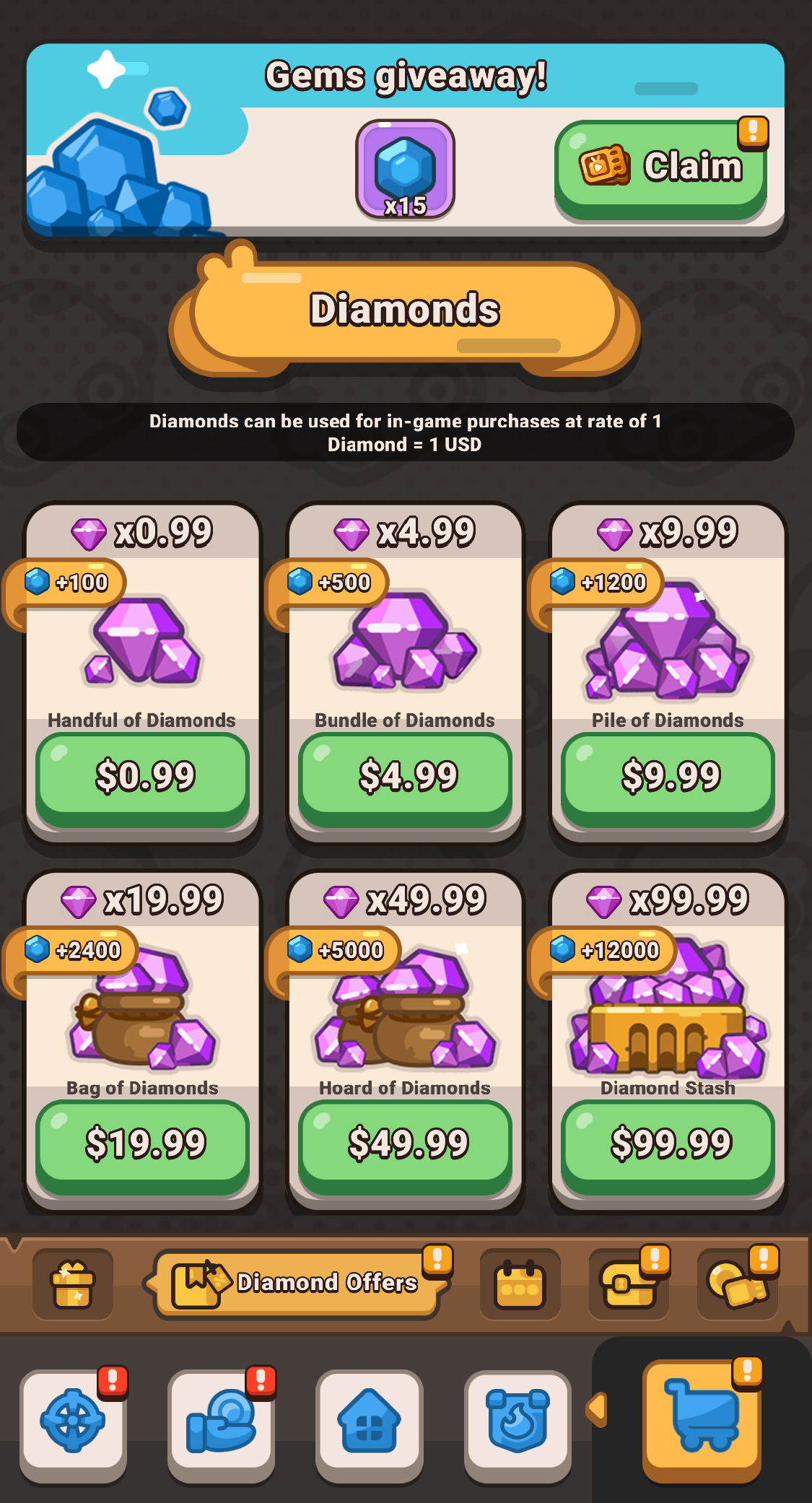
Here you’ll find: special offers, purchasable currencies, valuable bundles, and free daily rewards. Be sure to check in daily to claim your free bonuses!