
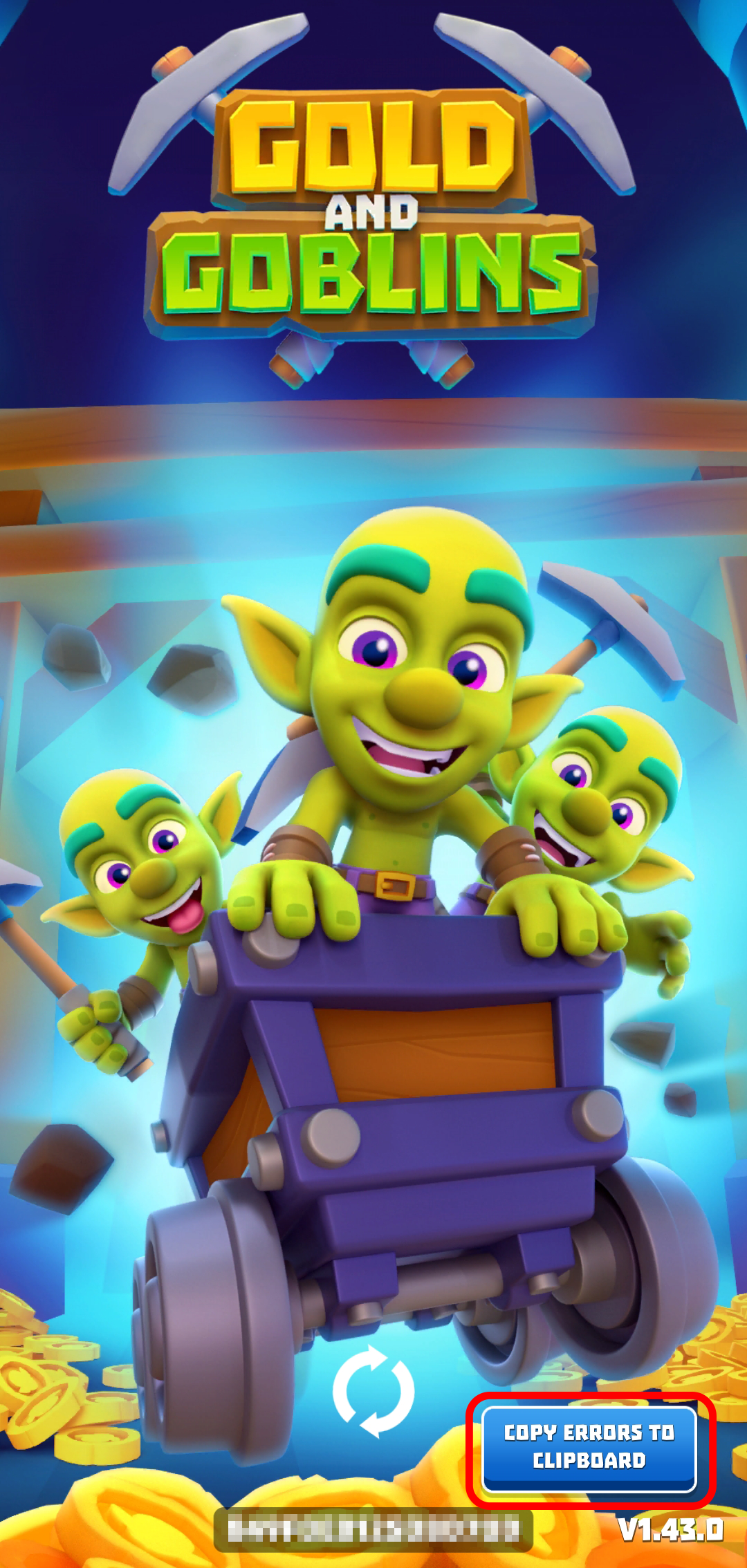
If the game doesn't load and is stuck on the loading screen, please follow these recommendations:
- Make sure your Internet connection is stable. Try switching from mobile connection to WiFi or vice versa;
- Close the game completely and restart your device;
- If you're using a VPN, try turning it off or changing the region;
- If you're an Android user, clear the game cache. Go to Settings > Apps > Gold & Goblins > Storage > Clear cache. Do not clear app data, as this may reset your progress!
- Check the app store for a game update.
- Free up storage space. Low storage can prevent the game from launching.
- Give it some time. Usually, the issue resolves itself within 24-48 hours.
If you tried all the tips and the issue persists after 48 hours, please copy the error to the clipboard (the blue button in the screenshot) and send the error code to us. Also, please provide the following information if possible:
- Your Player ID;
- The game version;
- Your OS name and version;
- Clarify when the issue first started.
We'll do our best to assist!