
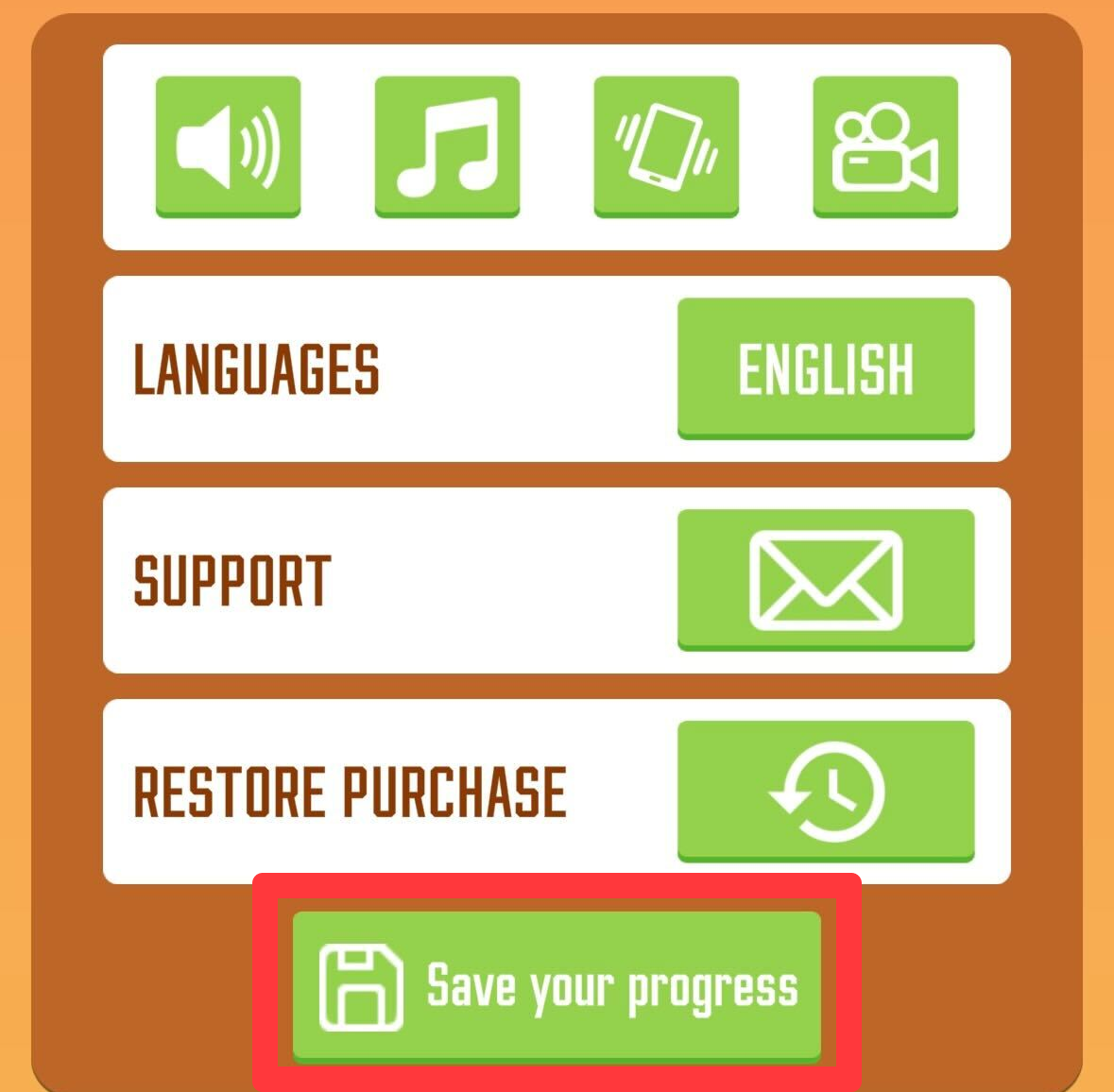
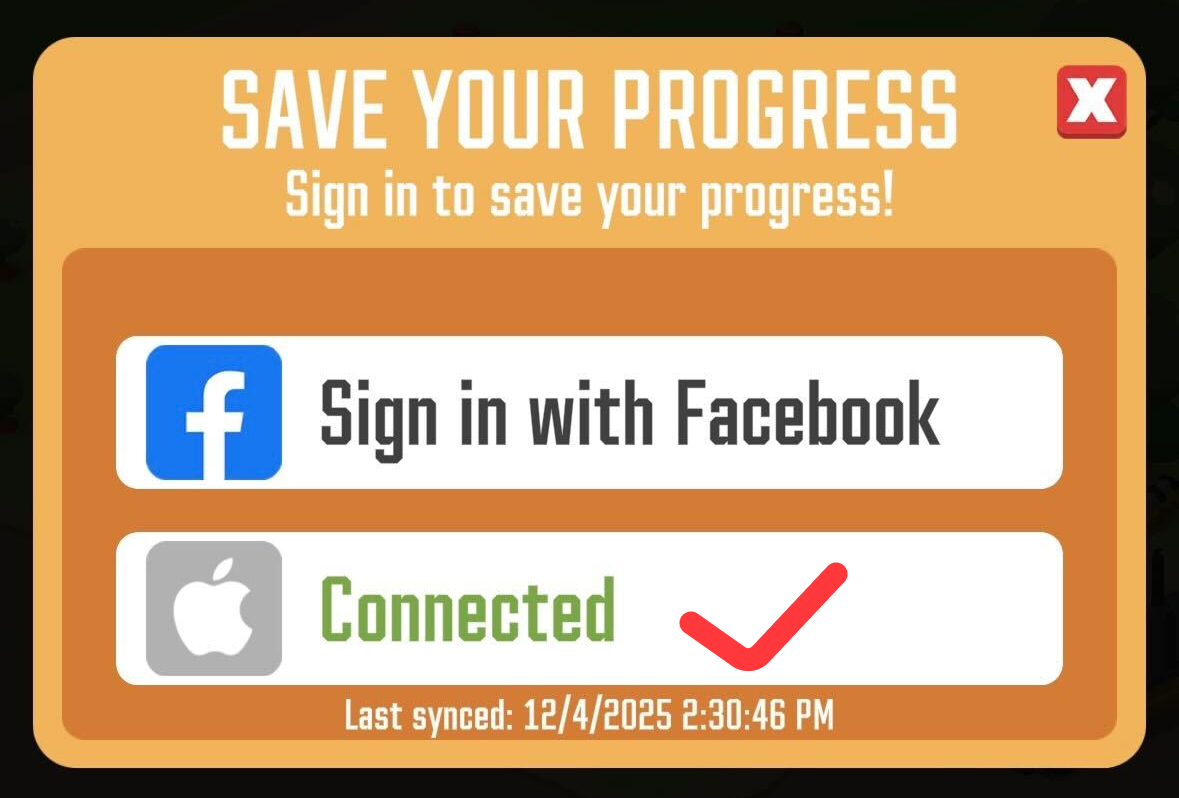
How to Save
If your game progress was previously linked to a cloud account, you can easily retrieve it yourself. Please try logging back into the Facebook, Google Play (Android), or Game Center (iOS) account that your progress was originally connected to. Your sawmill data should restore automatically.
Recovery
If logging into your linked accounts does not automatically restore your factory, please get in touch with our customer support team immediately. We will do our absolute best to help you get back to your lumber empire!
Support Checklist
To help our support team locate and restore your exact progress as quickly as possible, please provide us with the following information when you contact us:
What happened before the loss: Let us know what occurred right before your progress disappeared (e.g., a game update, a device change, or a synchronization issue).
The extent of the loss: Did you lose all your progress or just a part of it?
Specific account details: Please tell us your exact sawmill level, and if possible, how much money, biz points, reputation points, diamonds, and manager levels you had.
Purchase History: If you have made any in-game purchases, please provide a screenshot of each transaction receipt. You can find your payment history directly in your iOS App Store or Google Play Store account.