
Topic Overview
Please note that you can move your progress to a new device only if both devices use the Android operating system. To ensure a successful transfer and prevent any data loss, follow the steps carefully and in the exact order listed below.
Important: Do not open the game on your new device until you have completed all the necessary steps on your old device.
How to Save
Before initiating the transfer, you must ensure your progress is securely backed up to the cloud:
Check whether you have the Google Play Games app installed on both devices. If it is missing, please download and install it from the Google Play Store.
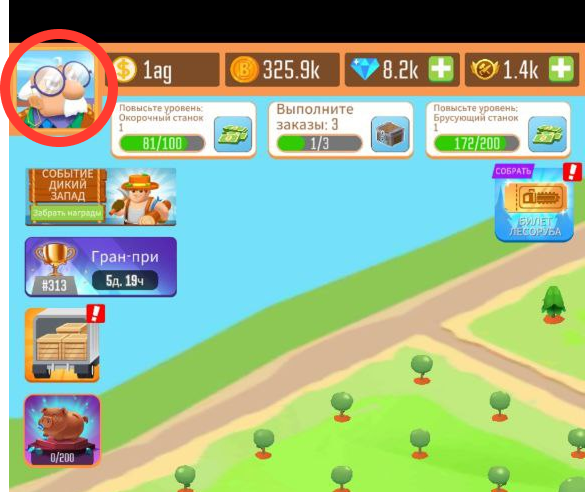
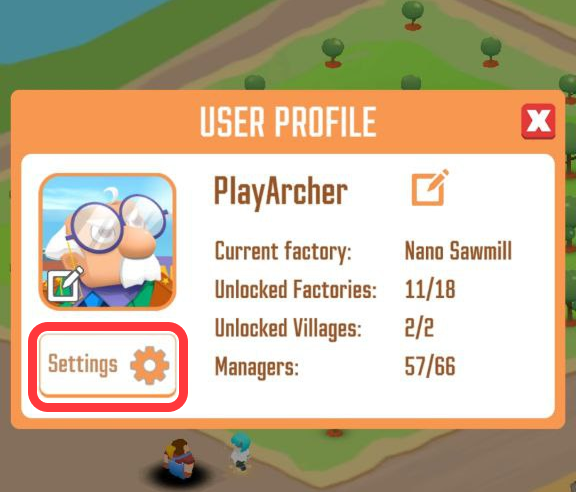
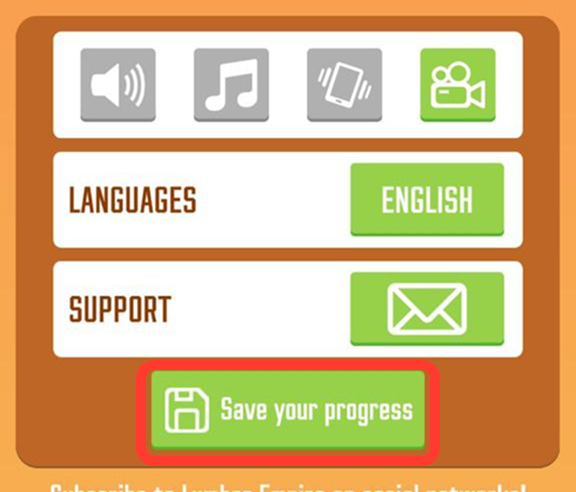
Open the game on your old device and navigate to the in-game Settings.
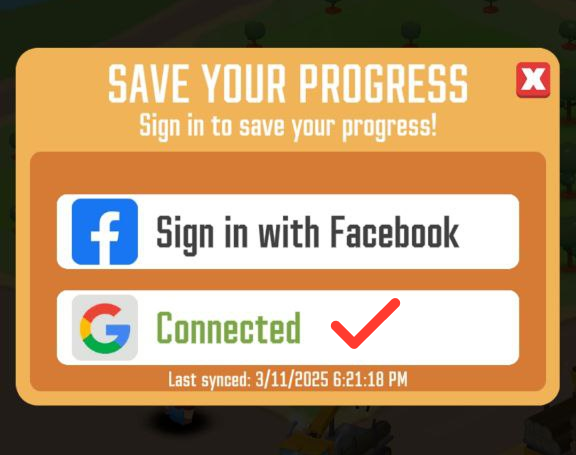
Connect the game to your Google account. Your progress will automatically back up every few minutes.
Wait until the exact time of the last synchronization appears directly under the Connected button.
Device Change
Once your progress is safely synced on your old phone or tablet, you can proceed with moving it:
Force quit the game completely on your old device (do not just minimize it to the background tray).
Open the game on your new Android device.
Open the in-game Settings and connect to the exact same Google account used on your old device. Your progress will restore automatically.
Important Warnings
No Multi-Device Play: You cannot play the game on two devices at the same time. After the transfer is complete, please play exclusively on your new device to avoid synchronization errors.
Do Not Delete Your Account: Never use the "Delete Account" option in the game settings to clear space on your old phone. If you want to remove the game from your old device, simply uninstall the app from your device.
Recovery
If your progress fails to transfer or you experience any issues during this process, our Support Team is here to help you get back to your sawmill.
Support Checklist
To help us recover your account as quickly as possible, please provide our team with the following information when you contact us:
Your Player ID
Your current Lumber Mill / Progress level
Your Last login date
Your Google Play GPA receipts if you have made any in-game purchases