
Topic Overview
Please note that the game does not support multi-device play. Using more than one device at the same time can cause serious synchronization issues and a potential loss of your game data. We strongly recommend playing on only one device to keep your lumber mill safe.
How to Save
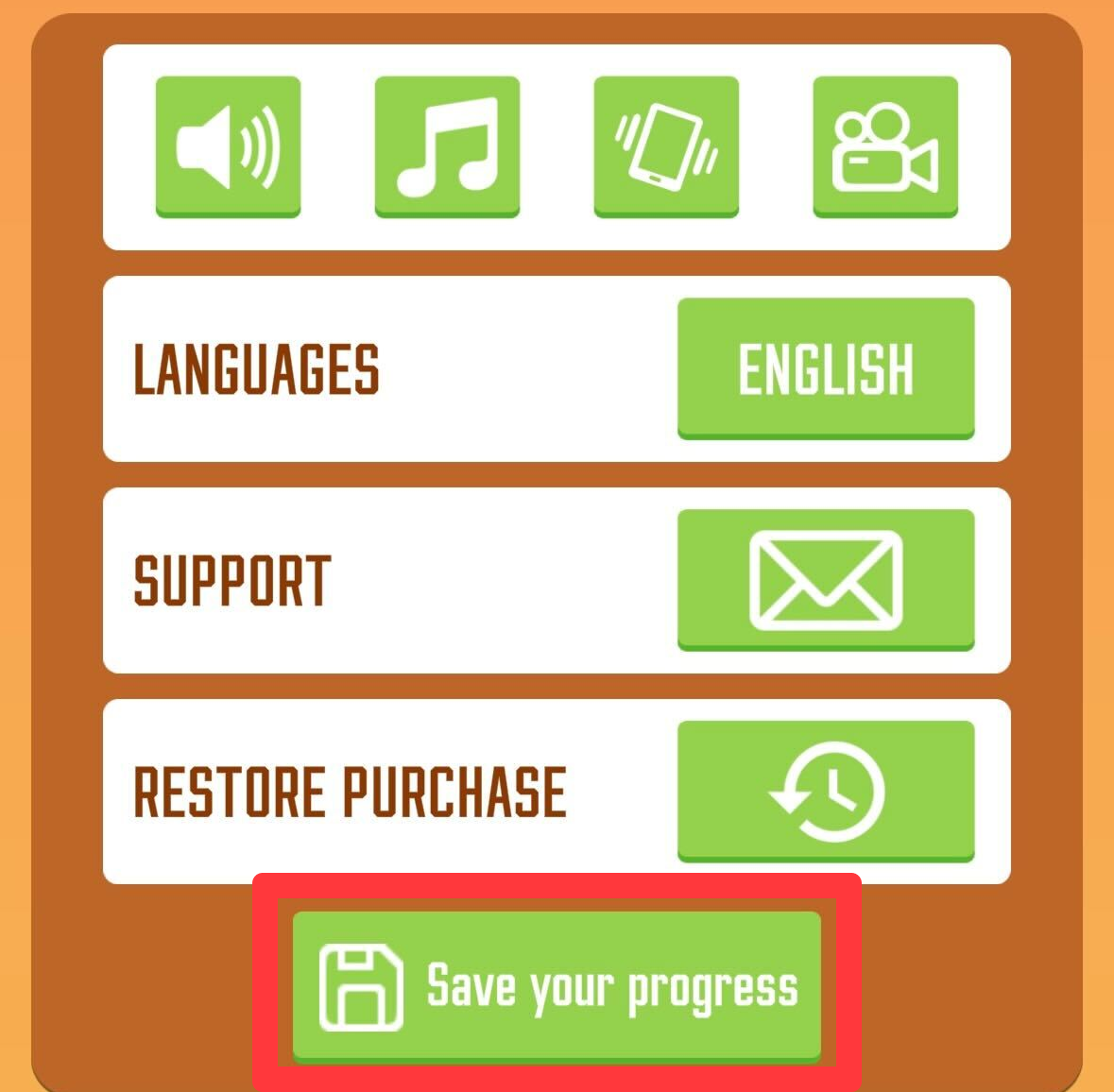
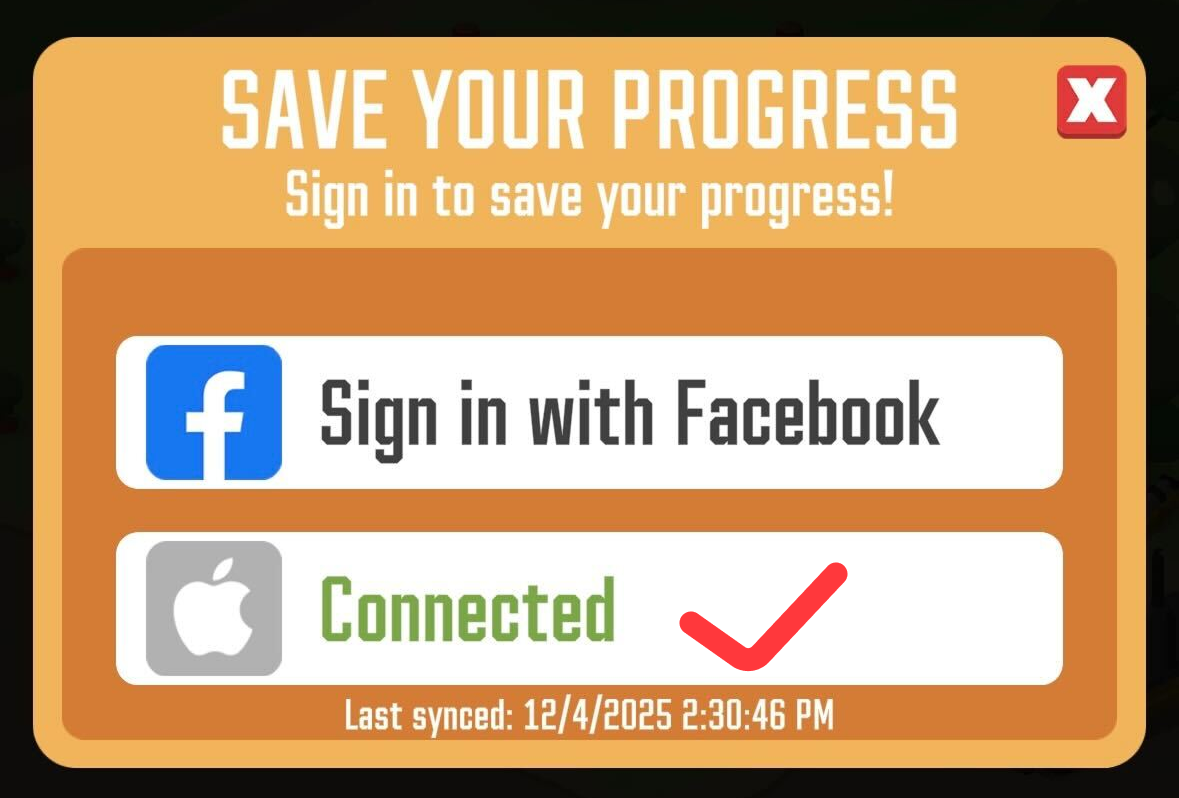
Before attempting to move your progress, you must link your game to a cloud account to secure it. Ensure your game is updated to the latest version on your old device, then connect it to Facebook (on iOS) or Google Play (on Android).
Device Change
If you are switching to a new phone or tablet, you can safely transfer your progress from one device to another by following these steps:
Sync your progress: Connect your game to your Facebook or Google Play account on your old device.
Close the app: After the synchronization is complete, close the game completely on your old device.
Restore on the new device: Open the game on your new device and connect to the exact same account. Your progress will transfer over automatically!
Recovery
If you encounter any issues during the transfer or find that your progress is missing, our Support Team is here to help you recover your account.
Support Checklist
To help us find and restore your account as quickly as possible, please provide our support team with the following details when you contact us:
Your Player ID
Your current Lumber Mill / Progress level
Your Last login date
Any Google Play (GPA number) or Apple receipts if you have made any in-game purchases