
Feature Overview
Expanding your production floor by constructing advanced machinery is essential for climbing the tycoon ranks. Every new machine you install allows your sawmill to process wood faster, branches out your pipeline into sophisticated material categories, and dramatically raises the market price of your lumber products.
How to Access
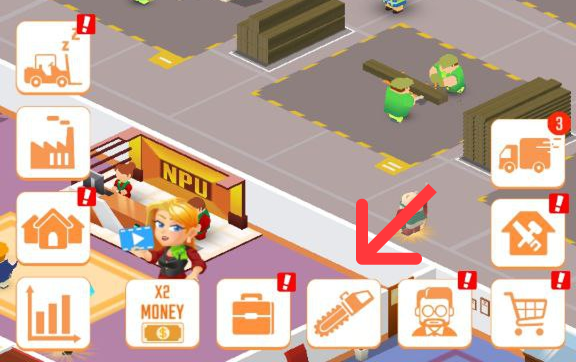
To review your operational equipment or check the availability of upcoming production lines, tap the Saw Icon located at the top of your main game screen. Within this menu, select the Machines tab to open the building and blueprint requirements directory.

Core Mechanics & Requirements
New machinery cannot be built randomly. The factory construction crew follows a strict sequential advancement model. If a machine appears locked or unavailable, verify that you have satisfied the following mandatory prerequisites:
The Production Chain Order: You must unlock and build all previous machines along that specific manufacturing line before the next model becomes available.
The Income Threshold: The machine immediately preceding the new project must be upgraded to at least Income Level 25.
Factory Upgrade Limitations: If a machine remains locked despite satisfying the level requirements, look at your overall facility rank. Most advanced industrial machines require you to upgrade and migrate to a completely new sawmill level before they can be deployed on your factory floor.


Tips and Strategies
Don't Forget the Basics: When saving up cash for a massive new machine launch, remember to budget a small cushion to upgrade its initial operational speed. New machines start at level 1 and require a few swift upgrades to match the fast-paced flow of your established forklifts.
Check Sawmill Requirements Early: Always tap on your upcoming locked machines to check if they require a sawmill evolution. This allows you to plan your Reputation Point farming in the Workshop ahead of time.