
If Gold and Goblins fail to launch and get stuck on the loading screen, it is usually caused by a temporary connection hiccup or cached file conflict. Please follow these step-by-step recommendations to get back into your mines.
🛠️ Quick Troubleshooting Steps
Check Your Connection: Ensure your internet connection is stable. Try switching from mobile data to Wi-Fi, or vice versa, to force a connection refresh.
Restart the App & Device: Fully close the game from your device's multitasking menu, restart your phone or tablet, and try launching the game again.
Toggle VPNs: If you are using a VPN, temporarily disable it or switch your server region, as certain security nodes can block communication with game servers.
Check for App Updates: Open the Google Play Store or Apple App Store and check if there is a new update available for the game.
Free Up Storage Space: Low local storage can prevent the game from writing temporary files and launching. Check your device settings and free up some space if necessary.
📱 Android-Specific Cache Clearing
If you are playing on an Android device, clearing corrupt temporary files can fix loading blocks immediately:
Go to your device Settings > Apps > Manage Apps.
Find and select Gold and Goblins.
Tap Storage, then select Clear cache.
⚠️ WARNING: Do Not Clear App Data When managing storage, only select Clear cache. Do NOT tap Clear data (or Clear storage), as this will wipe your local profile configuration and could permanently reset your active game progress if you are not fully synced to the cloud.
🕒 What If the Issue Persists?
In most cases, server-side network disruptions resolve themselves automatically within 24–48 hours. Please give the system a little time to stabilize.
If you have tried all the steps above and you still cannot enter the game after 48 hours, please contact our support team. To help us investigate your issue immediately, please do the following:
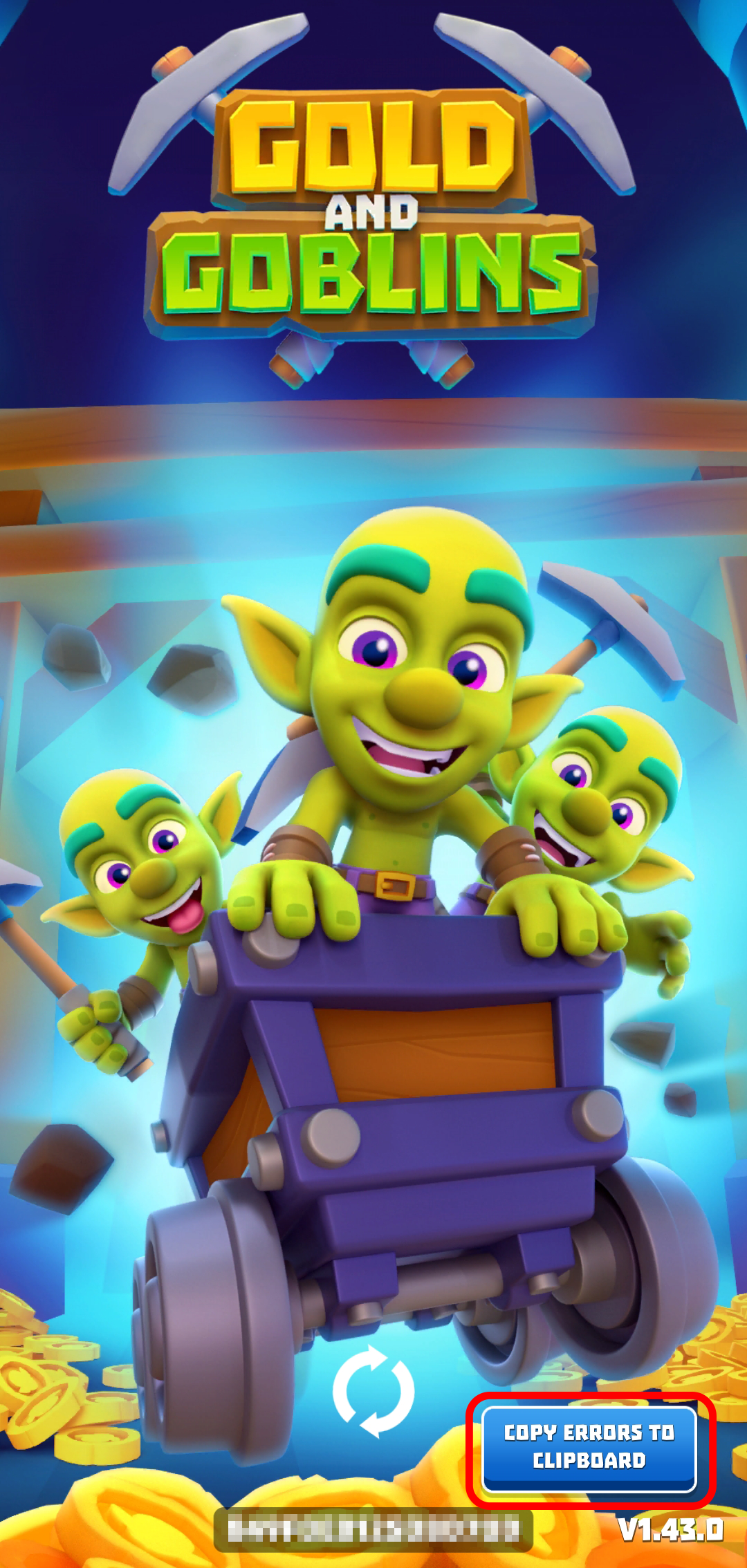
Tap the blue button on the loading screen error pop-up to copy the exact error code to your clipboard.
Send this error code to our support email along with the following information:
Your official Player ID (if known)
Current game version
Your device's OS name and version (e.g., Android 14, iOS 17)
The exact date and time when the loading issue first started
🌐 Regional Connection Notice
There are currently connectivity issues with third-party services in certain regions, which can directly affect how some players connect to our game servers. Unfortunately, these infrastructure blocks are completely outside of our direct operational control.
Our technical team is continuously monitoring the situation and testing alternative routing options. If a stable workaround becomes available on our end, we will implement it immediately. Thank you for your patience and understanding!