
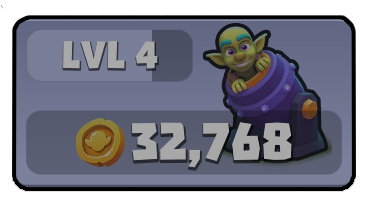
If you have more than enough Gold to purchase a new worker, but the goblin recruitment button is greyed out, it means you have temporarily reached your maximum goblin capacity.
Why It Happens
To keep the game balanced and prevent performance issues, there is a strict limit on how many individual units can exist on your screen at the same time.

The system counts all of the following toward your maximum population limit:
Active Goblins: All workers currently mining rocks or standing idle on the field.
Unopened Barrels: Any green goblin barrels delivered by the cannon that are still waiting to be opened. Even if a goblin is inside a barrel, it still takes up one slot in your population capacity!
How to Fix It
To instantly unlock the purchase button again, you need to reduce the number of individual units on your board:
Merge Your Goblins: Drag two goblins of the exact same level together to combine them into a single, more powerful worker.
Open Stored Barrels: Tap on any unopened green barrels on the ground to release the goblins inside, then merge them into your main workforce.
As soon as your total unit count drops, the button will turn green again!