
In-game advertisements are provided and managed by external advertising networks rather than our direct server architecture. Because of this integration, our support team cannot manually trigger ads or influence exactly when and how specific videos appear on your device.
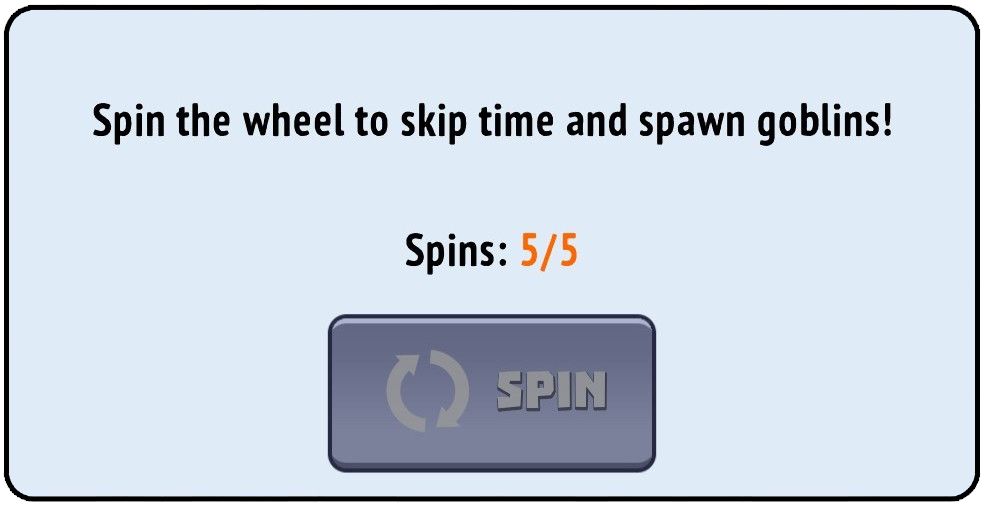
Why is the Ad Button Grey?
If your watch button has turned grey and unclickable, do not worry—this is always a temporary situation. It is usually caused by one of the following factors:
Connection Hiccups: A brief drop in your network stability prevents the ad provider from pre-loading the video file.
Regional Availability: Advertising partners may temporarily run out of available video campaigns allocated for your specific location or region.
Daily Frequency Caps: You have reached the maximum allowed limit of consecutive ad views for the current cycle.
🛠️ Recommended Troubleshooting Steps
To refresh your connection to the ad servers and restore the button functionality, please try these tips:
Allow Time for a Reset: Give the game some time. Ad frequency caps typically reset automatically within a few hours or at the daily server reset time.
Refresh Your Network Connection: Ensure your connection is strong. Try toggling your device to Airplane mode for 10 seconds, or switch between mobile data and a stable Wi-Fi network.
Clear Google Play Cache (Android Only): If you are on an Android device, a clogged system cache can stall ad delivery. To clear it:
Open your device Settings.
Navigate to Apps (or Manage Apps).
Find and select the Google Play Store from the list.
Tap on Storage (or Storage & Cache).
Tap Clear cache (do not clear data).
Restart the game.