
To make sure your game progress is safe and can be restored in the future, please follow these steps:
1. Check if you have Google Play Games (Android) or Game Center (iOS) installed
- If you're using an Android device, ensure the Google Play Games app is installed and that you're logged in.
- If you're using an iOS device, please ensure you're signed in to your Game Center account in device settings.
2. Open the game and connect your account
- Go to the Settings menu (tap the gear icon in the top left corner of the main screen);
- Tap the "Disconnected" button and select your Google or Apple account.
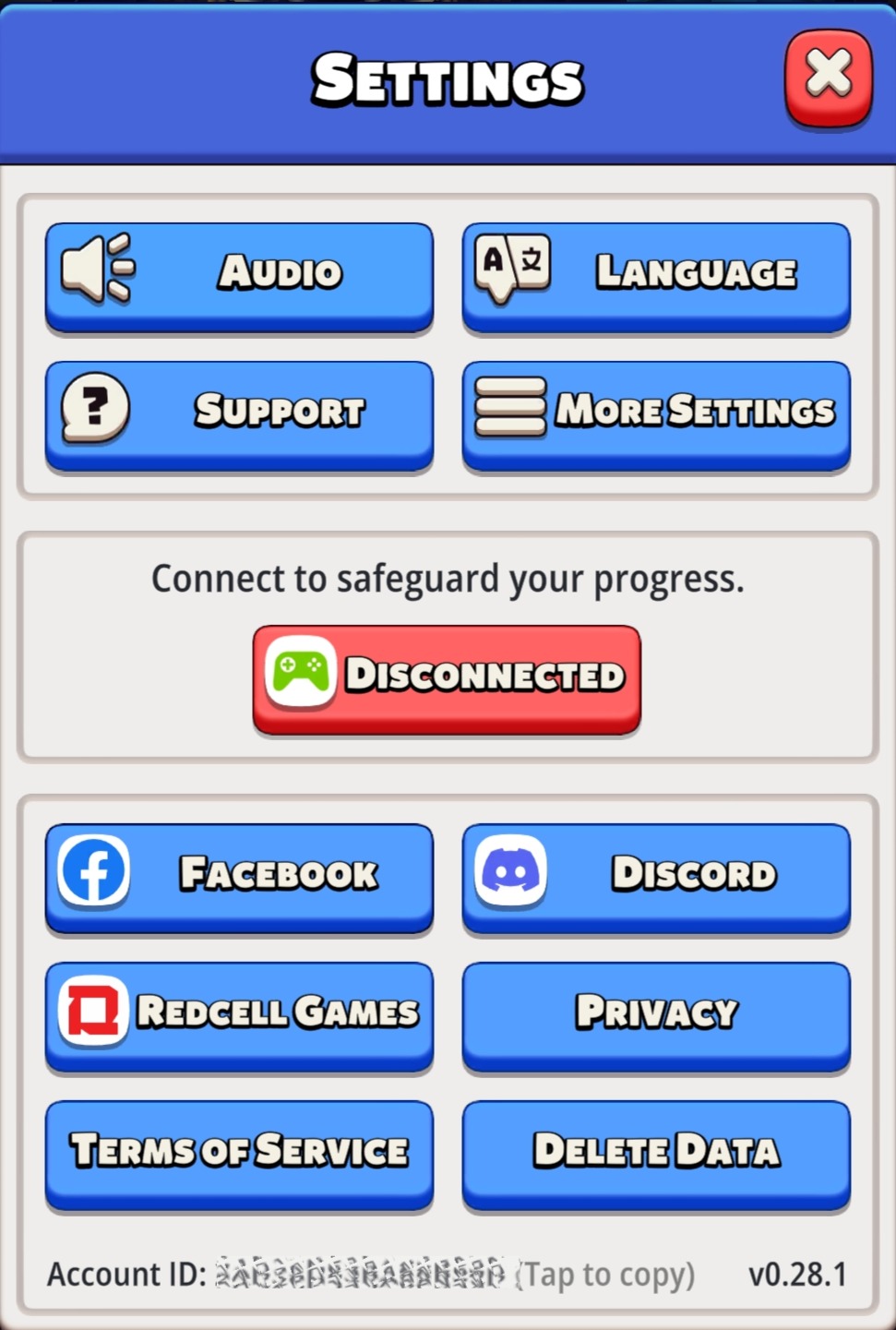
- After linking your account, please wait a couple of seconds. The button will turn green and display the text “Connected.” This means everything went through successfully.
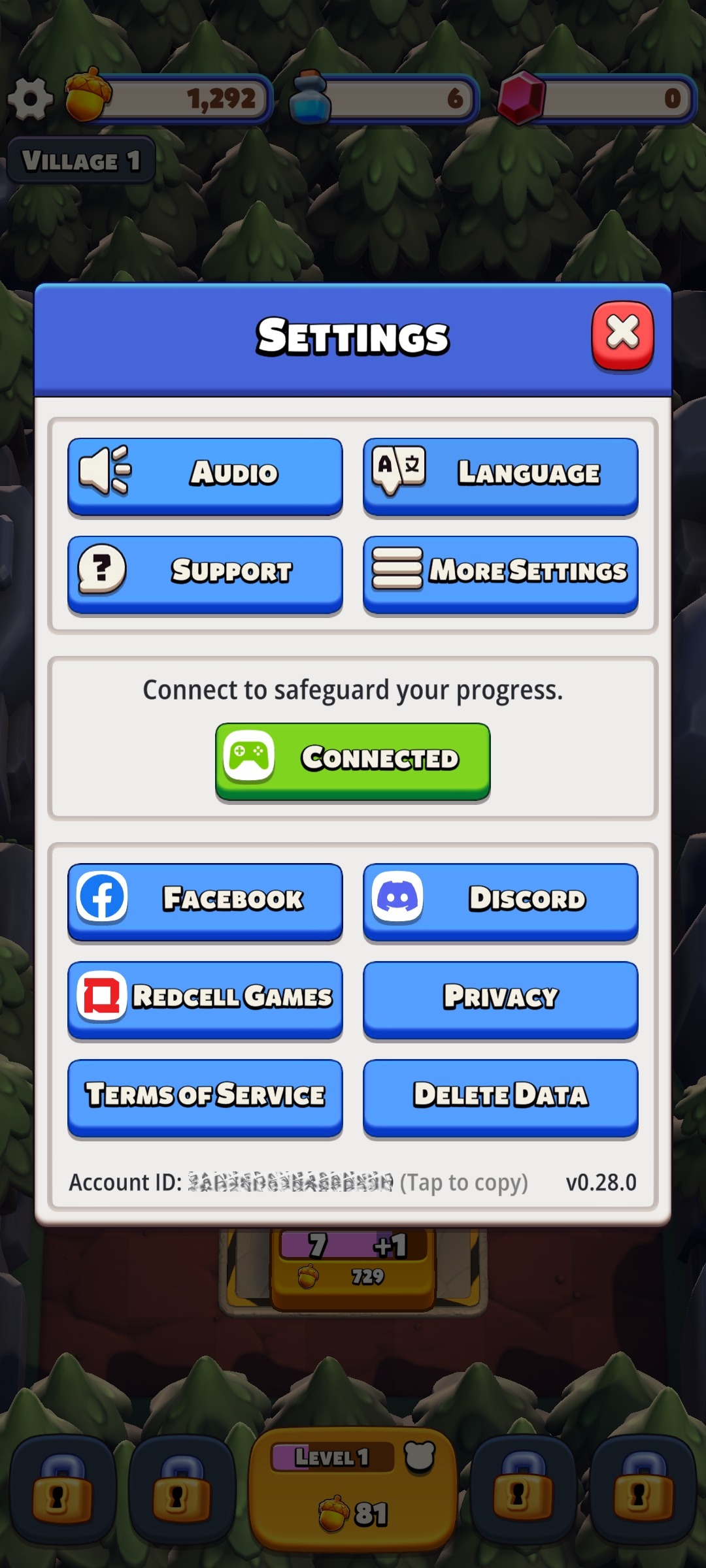
Once linked, your progress will be saved to the cloud and can be restored if you change or reset your device within the same platform.