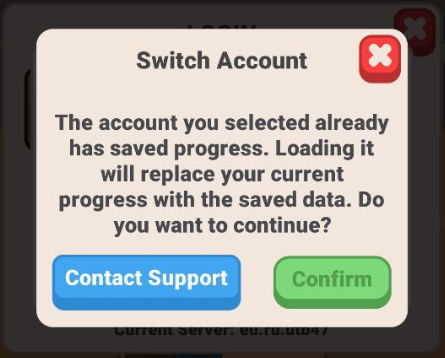
To keep your post-apocalyptic progress safe and prevent any accidental loss, we highly recommend linking your account to a cloud platform early in your journey. This ensures your data is backed up securely and allows you to seamlessly continue playing across multiple devices.
Steps for Android Players
If you are playing on an Android device, follow these steps:
- Open the game and tap the menu icon (☰).
- Go to the Account section.
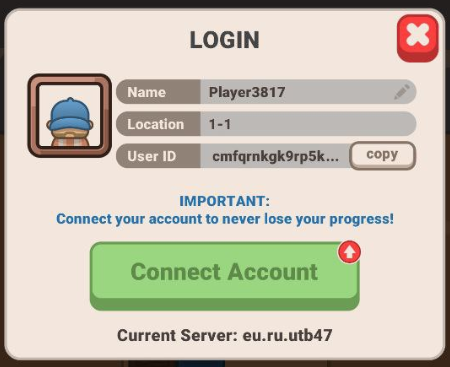
- Tap Connect Account.
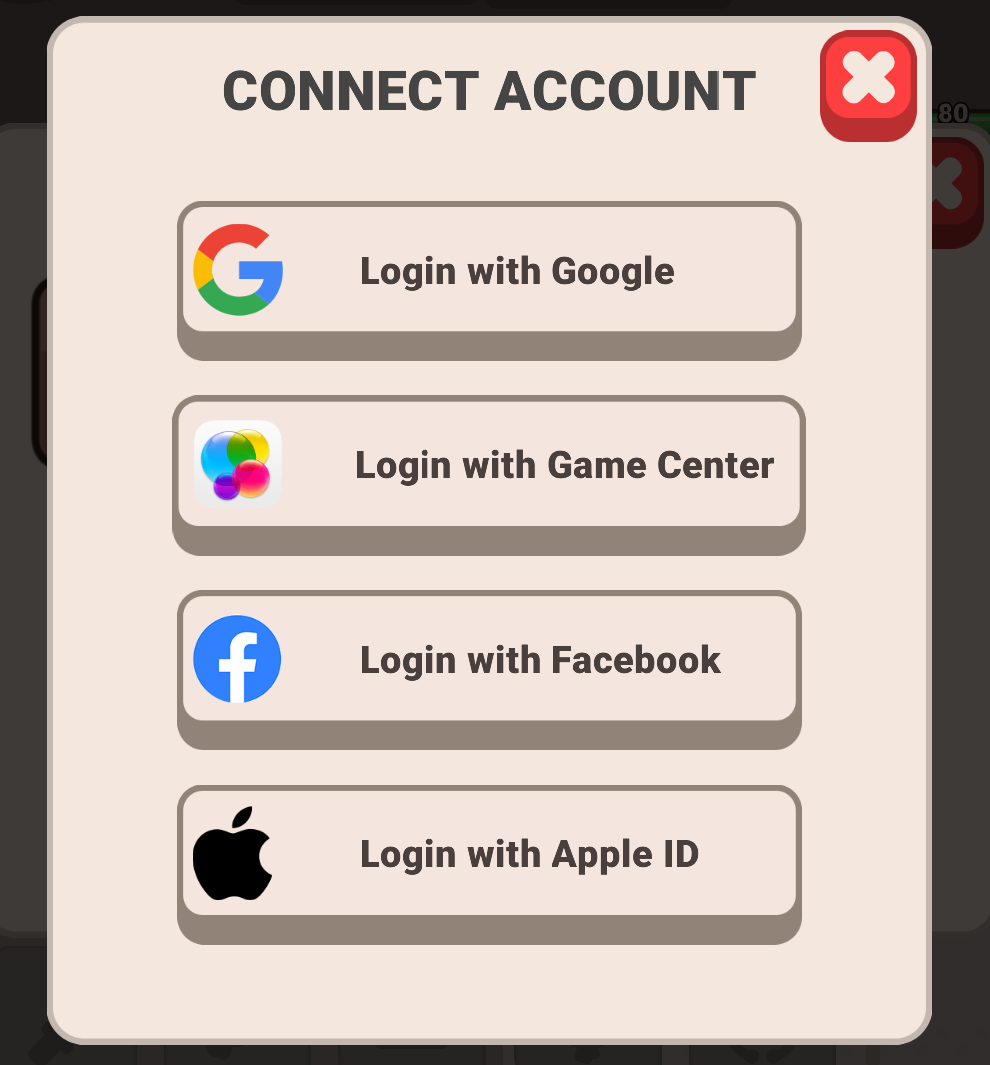
- Select your preferred platform: Google or Facebook.
Steps for iOS Players
If you are playing on an Apple device, follow these steps:
- Open the game and tap the menu icon (☰).
- Go to the Account section.
- Tap Connect Account.
- Select your preferred platform: Game Center, Google, Apple ID, or Facebook.
How to Transfer Your Progress
If you have purchased a new device or want to switch between mobile platforms, you can transfer your progress easily:
- Make sure your current game account is fully linked on your old device by following the platform steps listed above.
- Install Idle Outpost on your new device.
- Open the game, tap the menu icon (☰), and navigate back to the Account section.
- Tap Connect Account and select the exact same platform account (e.g., Google or Facebook) that you linked on your previous device.
- When the prompt appears asking to load your cloud-saved progress, confirm the choice to complete your account transfer.