
Transmogrification is a unique feature that allows you to customize your character’s appearance with a variety of skins. Whether you want to boost your stats, collect exclusive looks, or complete powerful sets, Transmogrification offers something for everyone. With each skin adding distinct visual and stats enhancements, you’ll be able to personalize your character to suit your style and strategic needs. Don’t miss out—start transforming your character and unlock a new level of customization and power in the game!
What is Transmogrification?
Transmogrification allows you to customize your character’s appearance by changing how they look with different skins. In addition to the aesthetic changes, skins also provide stat boosts. While some skins simply offer visual enhancements, others are part of collectable sets that, when completed, unlock powerful bonuses to improve your character's stats.
What are Skins?
Skins provide visual customization and add stat boosts to enhance your character's Basic Attributes: Attack, Defense, HP. Choose skins to match your style while improving your gameplay!
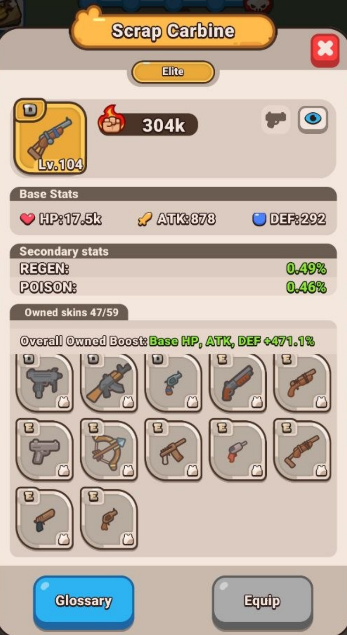
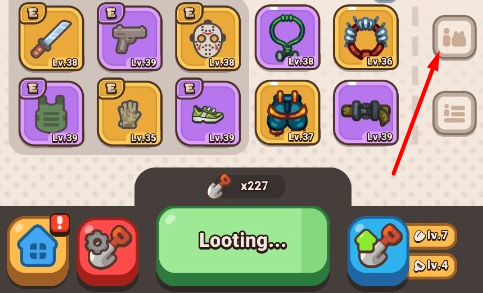
The stats that you see in this window are the Item stats. To see the Skin stats, tap on the Glossary button at the bottom and choose the skin you want to check:
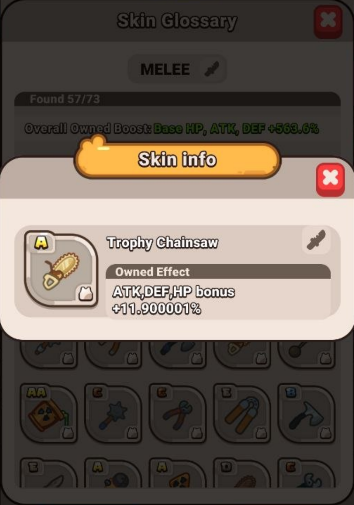
What are Skin Tiers?
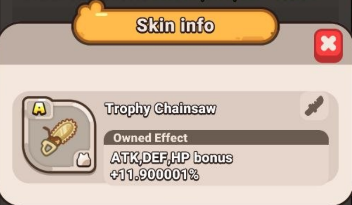
Skin tiers represent the different levels of rarity and strength of skins. Skins are categorised into tiers, ranging from D up to SSS, with higher tiers offering more significant benefits.
Higher-tier skins provide greater stat boosts, allowing you to strategically enhance your character's power.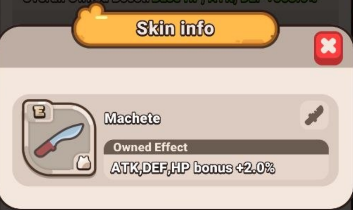
How Do I Get Skins?
You can get skins in the Fight Mode by Looting (tap the shovel icon at the bottom of the screen or use Autoloot).
To unlock the ability to get a skin, you need to:
- reach the Plane Wreck (1-3) location;
- level up to mission level 2.
Until mission level 2, you will receive basic gear of rarity E. After mission level 2, transmogrification is activated, and you will be able to get skins of higher tiers.
Duplicate skins that you find are converted into Tier Coins, which are used to increase the shovel handle level. Higher-tier duplicates yield more points, and the handle level can be improved with these points.
If you prefer not to display a skin, you can toggle it off in the Skins menu.
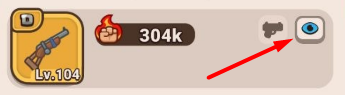
How Do Skins Work with Auto Loot?
During auto loot, skins are automatically unlocked, while duplicates are always converted into Tier Coins. If a new skin is discovered, it will be displayed automatically.
By clicking on any item, you will open its parameters and see the Glossary, where you can find all unlocked skins for this item and check their stats.
What is Set Collection?
Set Collection is a collection of several skins that, when gathered together, provide additional advantages in the game.
Sets have tiers, ranging from D up to SSS, and full sets activate unique bonuses that enhance your gameplay.
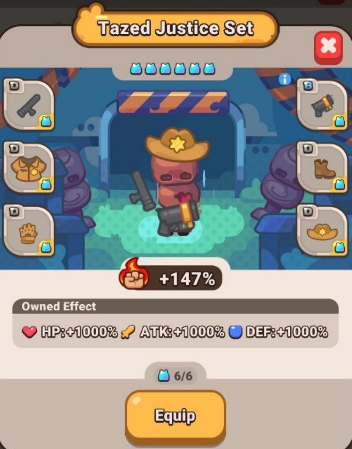
You can access the set menu by tapping the “Sets” icon:
Collecting higher-tier sets boosts core stats while unlocking special visual effects like Radiation and Reflecta, giving you both enhanced power and a unique appearance.
How Do I Obtain Sets?
Parts of the set can be obtained through various methods:
- Loot combat gear
- Purchase items from the Rush Shop
- Complete Harbour Pass quests
- Participate in events