
There are times when you want to start anew, experience the game from a different perspective, or refresh your memory on your progression. Thanks to the Multi-Server feature, you can easily begin a fresh journey without losing your hard-earned accomplishments.
Step 1: Link Your Current Progress
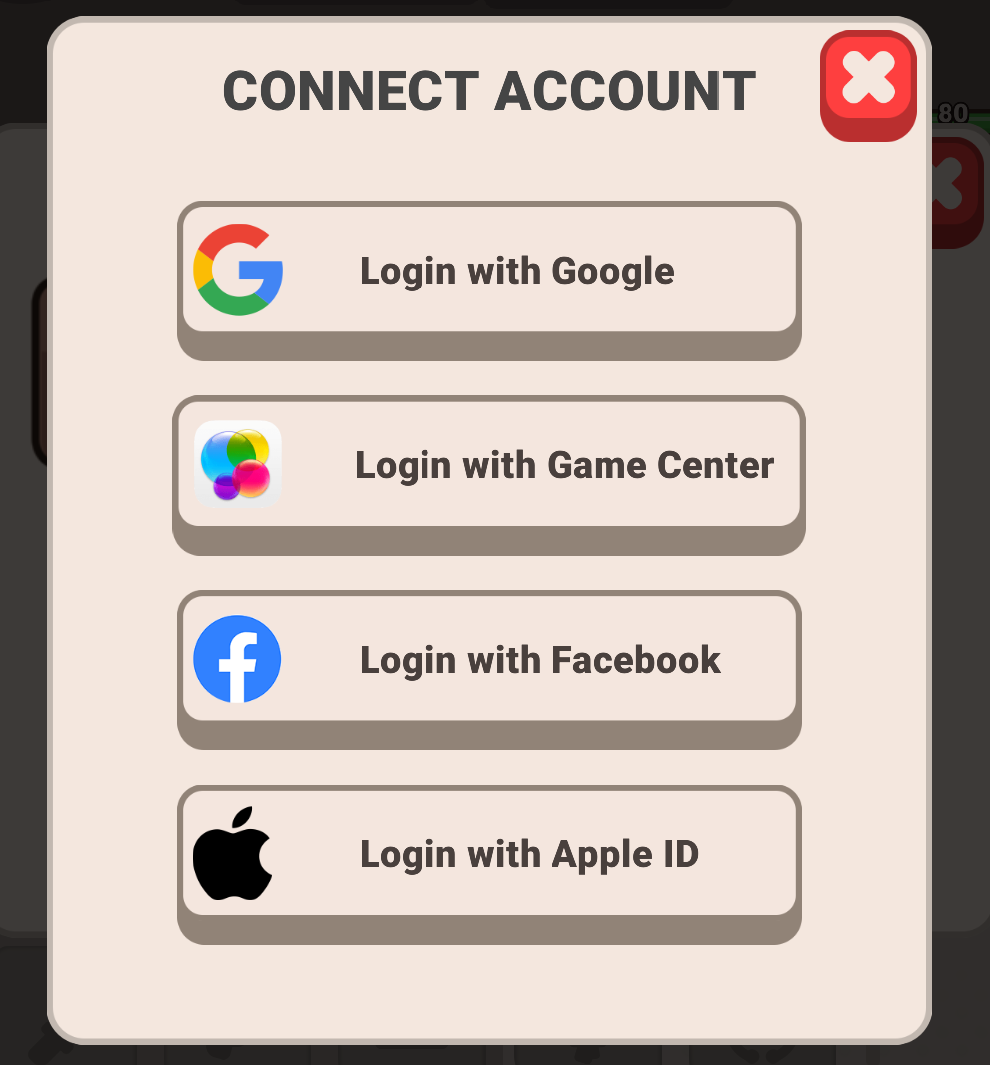
Before you can start a new game, you must secure your current account. If you do not see the option to switch servers, it means your progress isn't bound yet.
To link your account:
- Open the game on your device.
- Navigate to Settings by tapping the icon with three dots and three lines.
- Select Account from the menu options.
- Bind your progress with a desired method
Step 2: Switch Servers
After saving your account, you can jump onto a new server to start fresh:
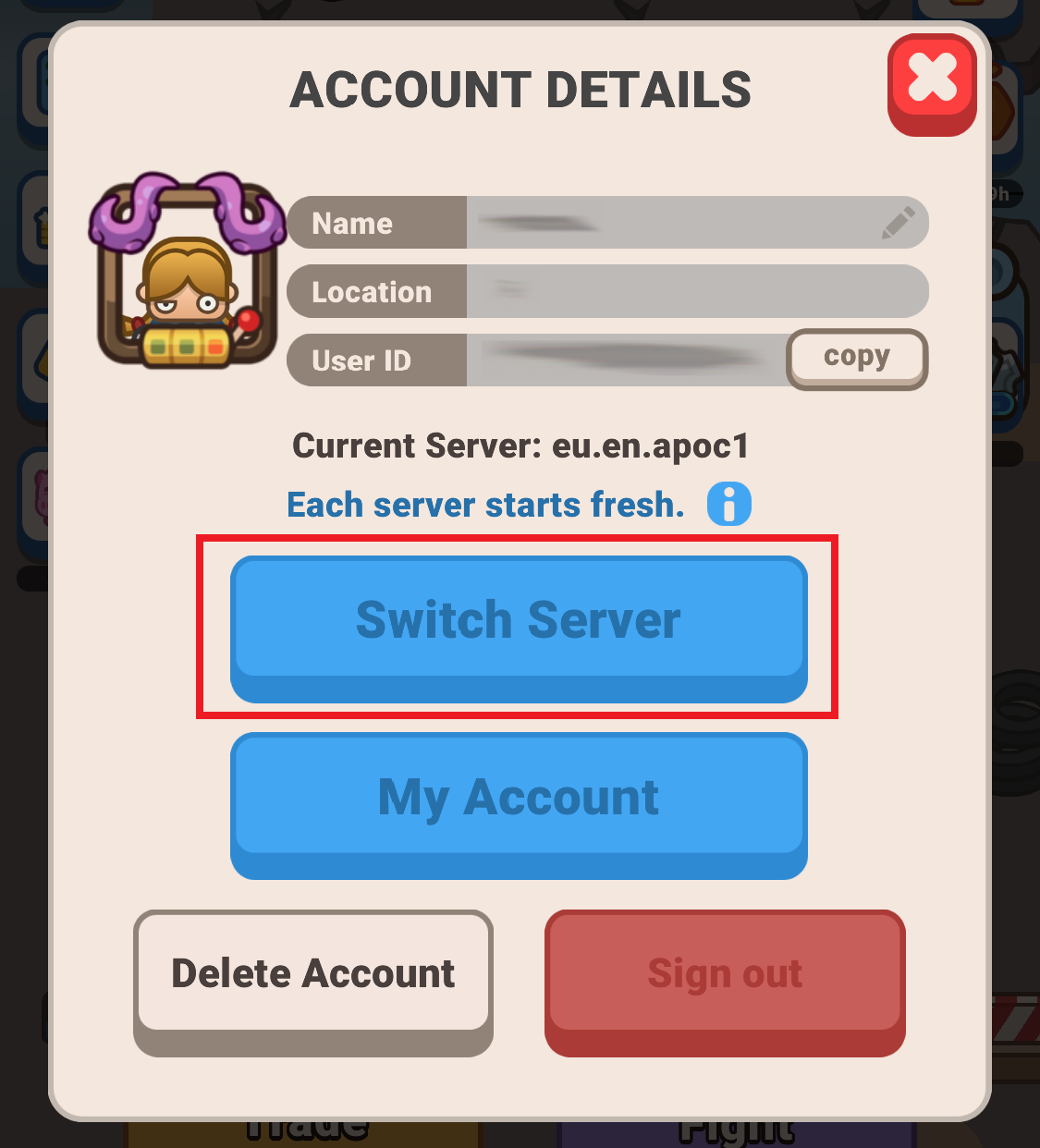
- Go to Settings and tap Account.
- Select the Switch Server option.
- Choose any freshly released server you haven't played on before.
Important Multi-Server Rules
- Account Limit: At present, you can only have a maximum of 2 different accounts on 2 servers. Please choose your servers wisely!
- Returning to Original Progress: Your original data remains perfectly safe. You can use this same menu to switch back and return to your original progress whenever you like.
Enjoy your brand-new journey in the game!