Don't worry, survivor! Your hard-earned money and items are perfectly safe. While most transactions process instantly, minor server delays or temporary connection drops can sometimes prevent your items from appearing in your inventory immediately.
Please follow these quick troubleshooting steps to help resolve the issue.
Step 1: Force-Restart Your Game
The absolute fastest way to resolve a delayed purchase is to force a complete synchronization with our game servers:
- Fully close Idle Outpost and remove it from your device’s active multi-tasking menu (recent apps drawer).
- Double-check that your device has a strong, stable internet connection (try switching between Wi-Fi and mobile data if necessary).
- Relaunch the game and check your balance or inventory to see if the items have arrived.
Step 2: Allow Time for Store Server Processing
Occasionally, the payment gateways for Google Play or the Apple App Store can experience backlogs. We highly recommend waiting up to 24 hours from the time of purchase, as the store networks will often automatically retry sending the purchase confirmation token to our servers during this window.
Step 3: Contact Support with Your Receipt
If 24 hours have passed and your items still haven't arrived, our customer support team will be more than happy to manually credit the missing items to your account.
To help us resolve this for you as quickly as possible, please open an in-game ticket and provide us with the following two vital pieces of information:
1. Your Player ID
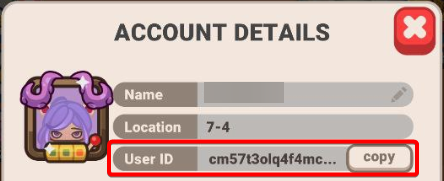
Open your game, navigate to Settings (the icon with three dots/lines in the top right), and tap Account. Your unique Player ID is the long string of letters and numbers displayed at the bottom. Tap the Copy button next to it.
2. An Official Proof of Purchase (Receipt)
We cannot credit items without a valid receipt from your mobile app store. Please locate and attach the following depending on your device:
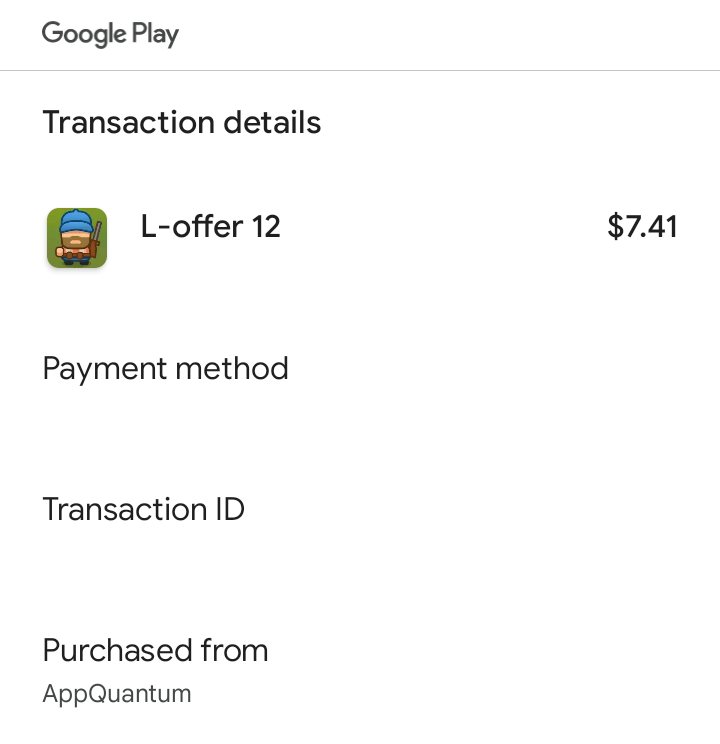
- For Android Users (Google Play): Please copy and paste the text of your receipt or send a screenshot showing the GPA Order ID number. It will look exactly like this: GPA.XXXX-XXXX-XXXX-XXXXX. You can find this in your confirmation email.
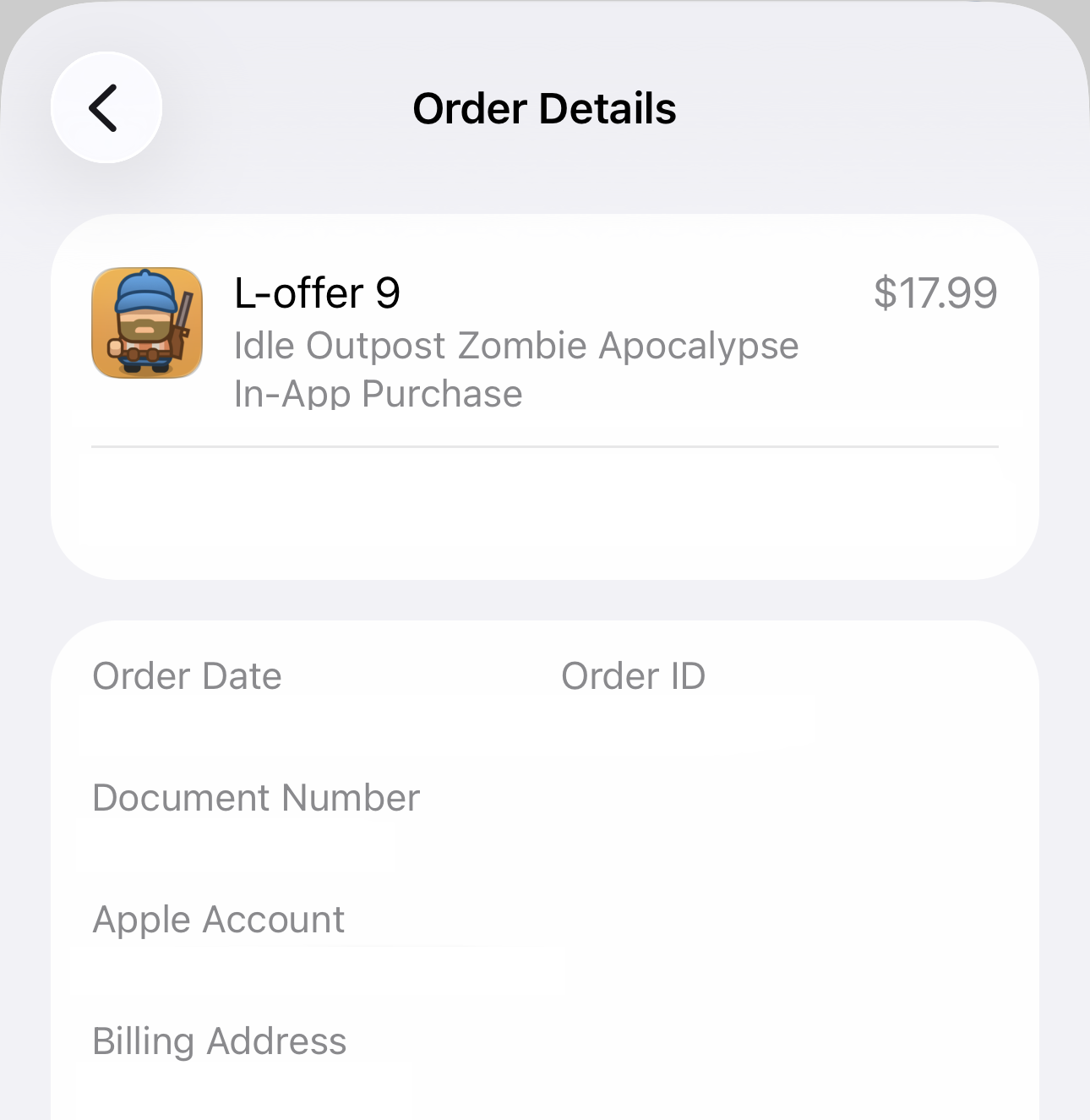
- For iOS Users (Apple App Store): Please provide a clear screenshot of your official Apple invoice. This must display the Purchase Date, the name Idle Outpost, the exact Price, and the Document No. or Order ID. You can view this by checking your Apple account purchase history.