
Trade Gear (previously known as Peaceful Gear) consists of specialized equipment pieces that you can collect and equip to massively amplify your profit % in Trade mode. Investing in your Trade Gear is the absolute best way to break through revenue bottlenecks, as these items provide permanent passive boosts to your global profits, station production speeds, and worker walking velocities.
You can view, equip, and manage your collection at any time by tapping the Trade Gear menu from your Profit hub interface.
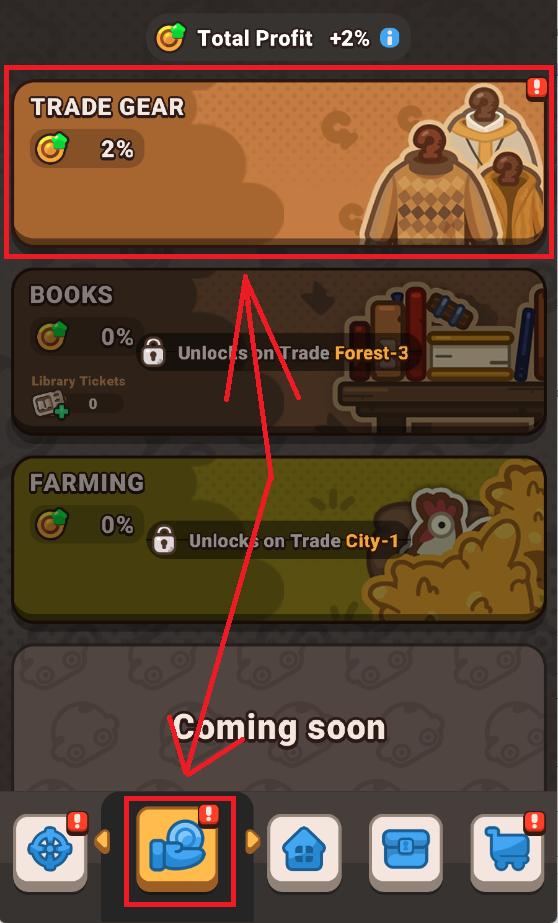
How to Use and Manage Trade Gear
Maximizing your operational efficiency and systematically upgrading your loadout involves a few key steps:
- Equipping Gear: Tap any item in your storage, review its stat modifiers, and tap the Equip button to apply its bonuses.
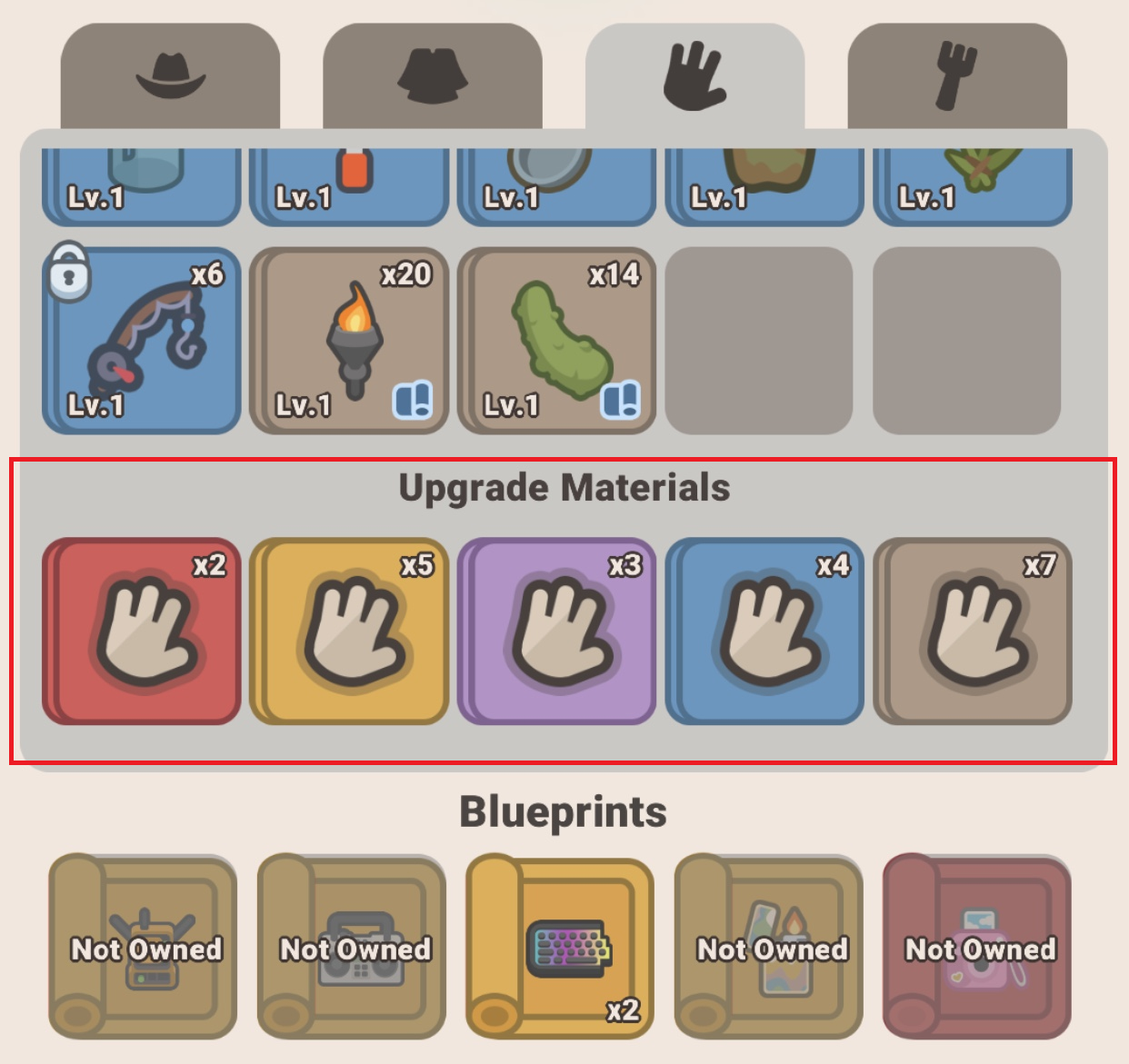
- Upgrading Gear: To scale up an item's bonuses, select it and enter the Upgrade window. You can choose to merge other spare pieces of gear as upgrade material to fuel its level progression.
- Mass Selecting Fodder: When feeding spare gear into an upgrade, use the Select Junk or Select All buttons to instantly fill your upgrade slots with low-tier items, saving you from tapping dozens of individual pieces.
- Locking Your Gear: To prevent valuable or high-tier equipment from accidentally being consumed during mass upgrades, tap the Lock button on that specific item's profile card. Once locked, it is entirely immune to the Select All and Select Junk filters, keeping it safe while you clear out inventory clutter.
- Crafting Blueprints: When drawing Legendary (gold) or Exotic (red) equipment, you will receive blueprints first. Review the specific crafting material requirements on the blueprint, gather the required gear pieces, and tap Create to assemble the item for active use.


Pro-Tips for Maximum Efficiency
- Lock Crucial Gear Immediately: Get into the habit of tapping the Lock button on any high-level or rare items the exact second you open them from a chest. This completely eliminates the risk of accidentally burning a core progression asset when clearing out inventory clutter using the Select All shortcut.
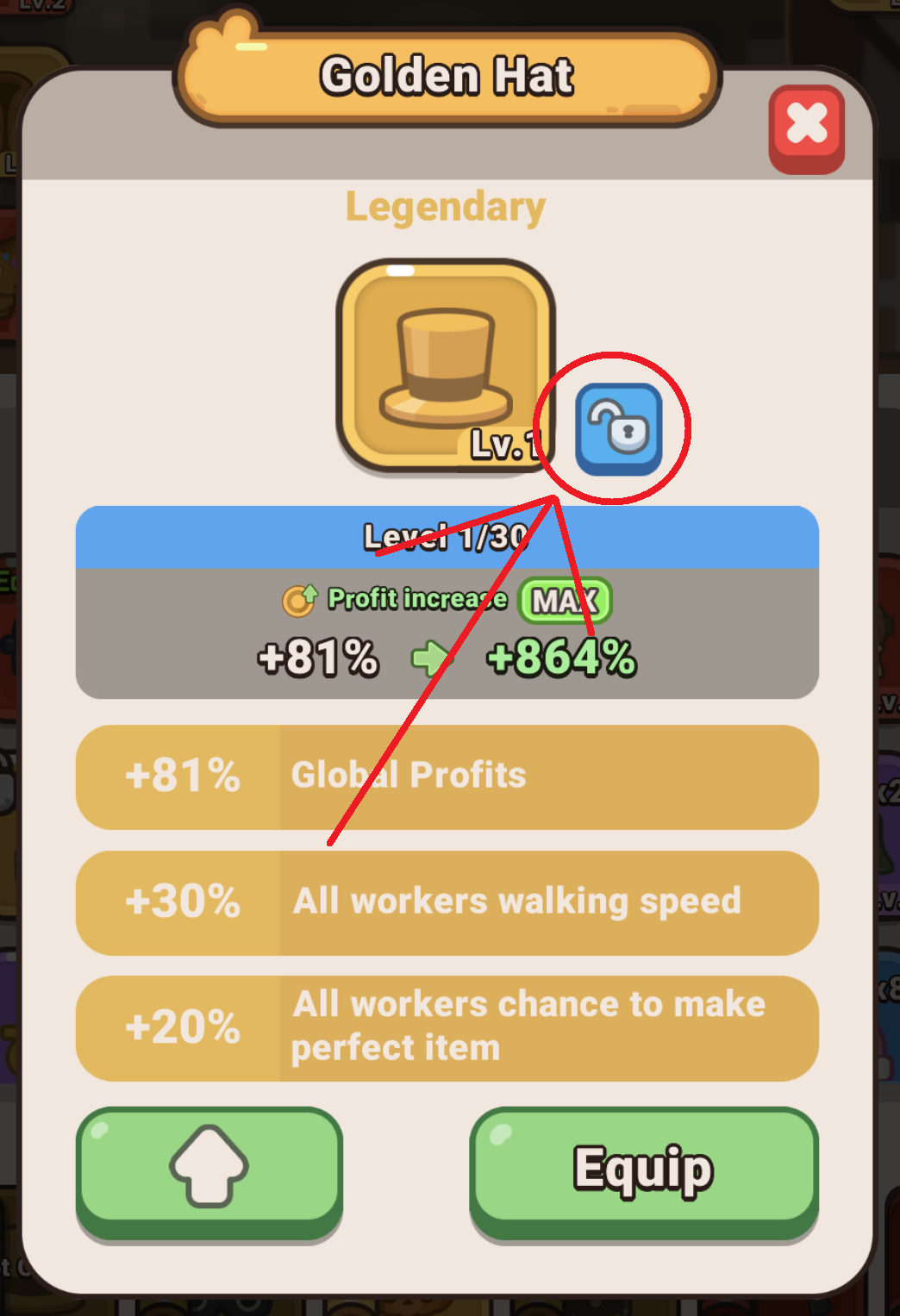
- Equip legendary and exotic gear: When you get legendary or exotic items, you get the blueprint of it. In order to equip legendary or exotic gear, you need to create the gear using items that are mentioned in requirements. After that, you will be able to equip it and upgrade.

- Downgrade Exotic Assets if Needed: If you have an Exotic piece of gear at Level 2 or higher that no longer fits your active build strategy, you can utilize the downgrade system. Dismantling the level investment safely refunds specialized upgrade materials back to your vault, allowing you to redistribute them into other active items.
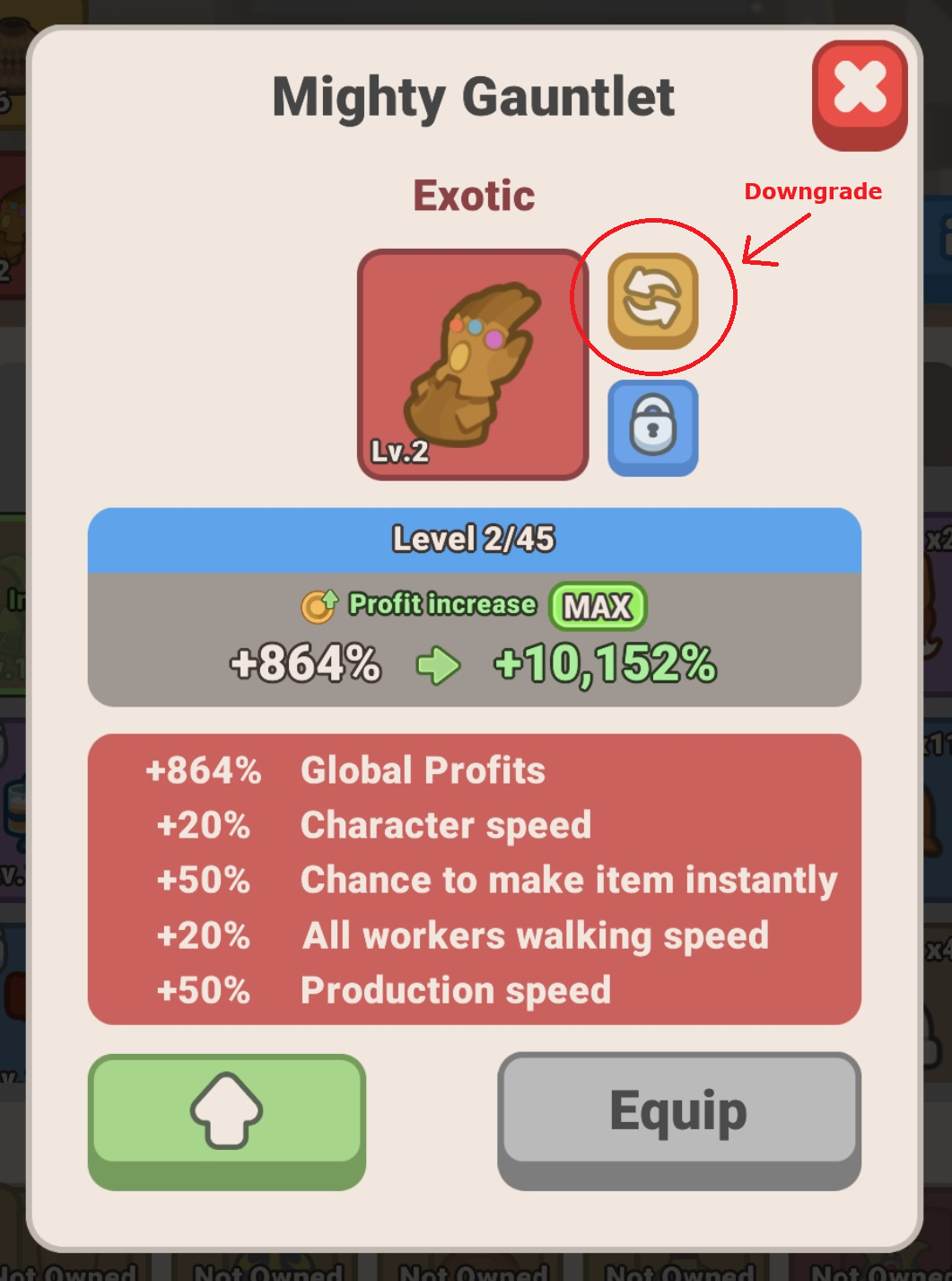
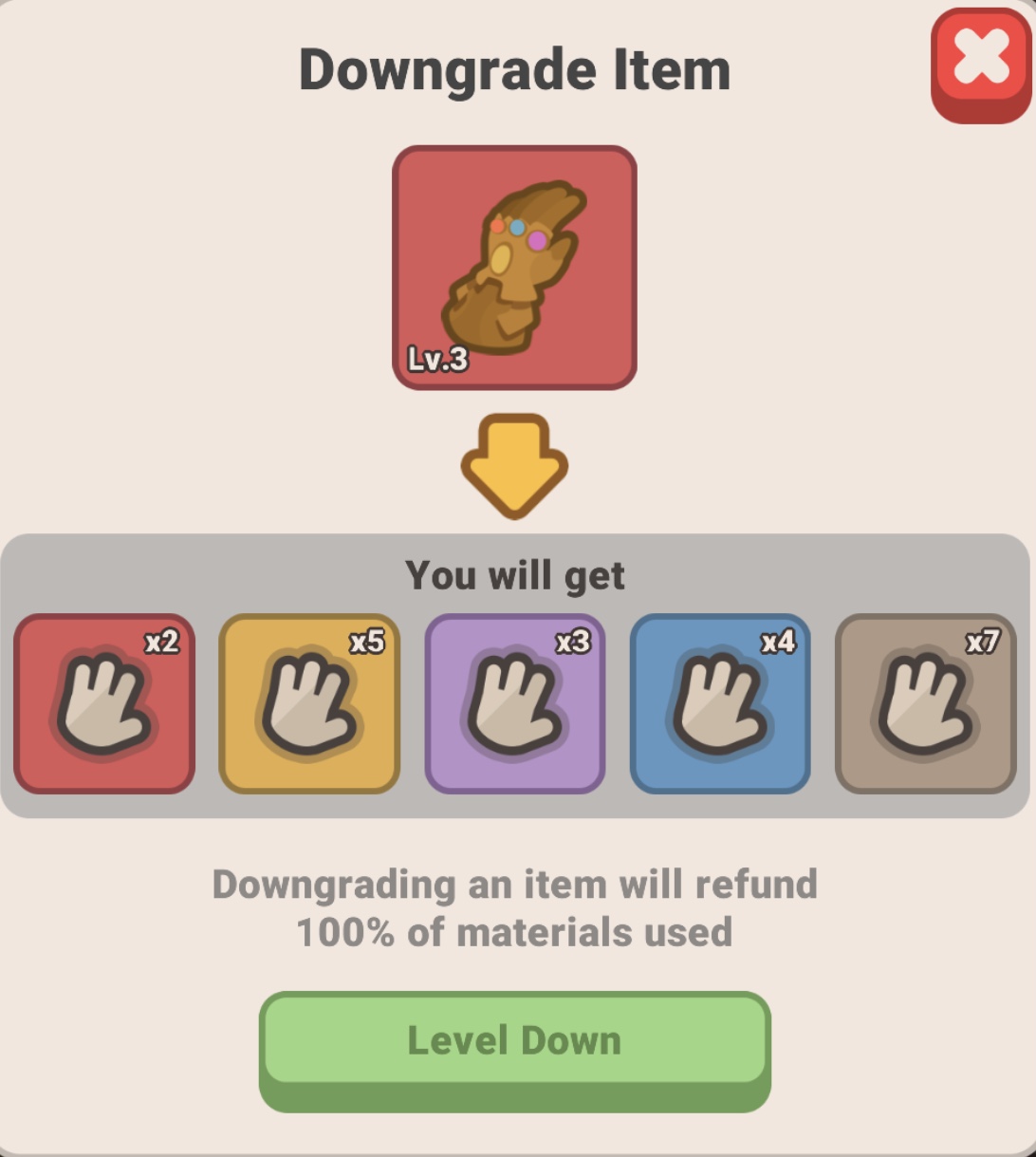
Downgrading such items will grant you special materials, which will be added to your inventory. You can later use these materials to upgrade other Trade Gear, including the exotic items.
How to get Trade gear?
Trade Gears can be obtained by opening the crates.
There are 5 types of gear crates:
- free crate
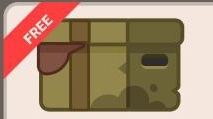
- common crate
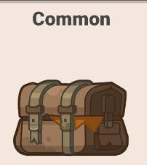
- rare crate
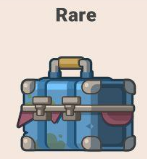
- epic crate
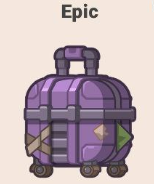
- legendary crate
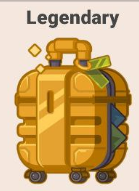
Each of them provide trade gear of a different rarity and drop probability.
Where to get crates?
You can get crates:
- In the Profit Hunt
- in the shop
- as a daily or weekly reward from Tasks
- in the events
- in Arena Shop
Frequently Asked Questions (FAQ)
Q: What are the different rarities of Trade Gear?
A: Trade Gear scales across 5 distinct color-coded rarity tiers: Common (Grey), Rare (Blue), Epic (Purple), Legendary (Gold), and Exotic (Red).





Q: Where can I get more Trade Gear and Blueprints?
A: The primary method for farming gear is opening specialized Trade Gear Chests. These can be traded for Marbles in the Profit Hunt mission hub, purchased in the shop or collected as rewards from Limited-Time Events.
Q: Why can't I equip a Legendary or Exotic item I just received?
A: High-tier items drop as blueprints. To craft them, you must tap the blueprint in your vault and fulfill the specific crafting requirements and material recipes listed on the card. Once successfully crafted, the item becomes equippable and upgradable.
Related Guides
Gameplay — Trade Gear Chests and their Drop Rates FAQ
Gameplay — Why can't I craft an Exotic item?